
Scaboo store
An online store of your own, on your own domain, using the same products, couriers and invoices as the rest of Scaboo. One is included in every plan.
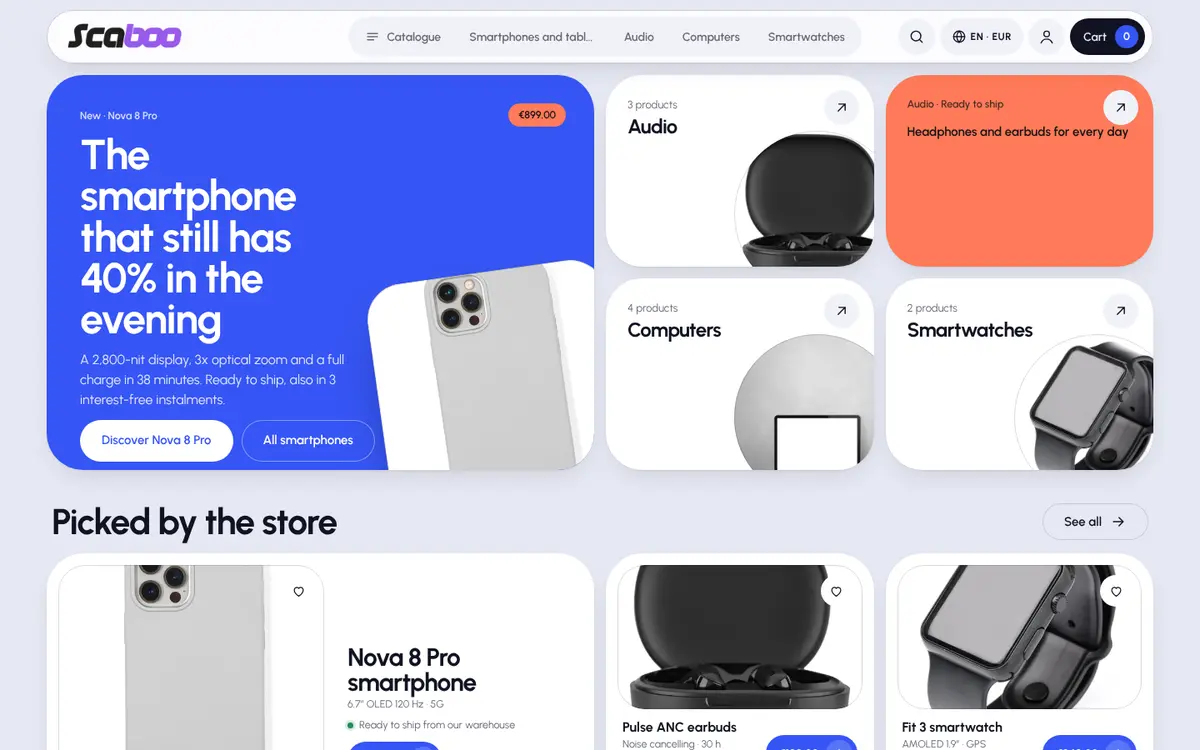
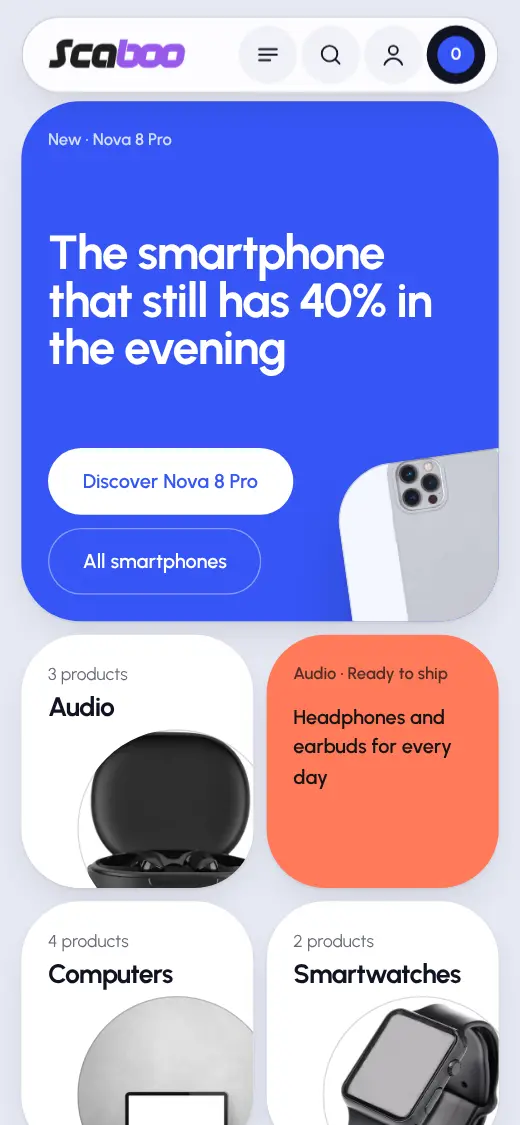
A store of your own, without uploading products twice
The Scaboo store is a complete e-commerce site, designed for those who already sell with Scaboo and want a site of their own without uploading products a second time.
Choose the layout, colours and pages, connect your domain and publish products to the store as you would to any other channel.
- Connected catalogueProducts, prices and stock come from Scaboo.
- Free-form variantsSize, colour or any other option, each with its own price and stock.
- Orders in the single listStore sales arrive with marketplace sales.
- PaymentsCard with Stripe or SumUp, PayPal and bank transfer.
- Five languagesItalian, English, German, French and Spanish.
- Business customersVAT number, recipient code and certified email at checkout, for the e-invoice.
Catalogue, orders and invoices already connected
Products, free-form variants, prices and stock come from the Scaboo catalogue. Orders enter the single list, with shipping and invoicing handled as for other channels.
The store handles private and business customers (VAT number, recipient code, certified email), customer groups with dedicated prices, coupons, double opt-in newsletters, shipping profiles by province and in-store pickup.
20 layouts, all ready to try
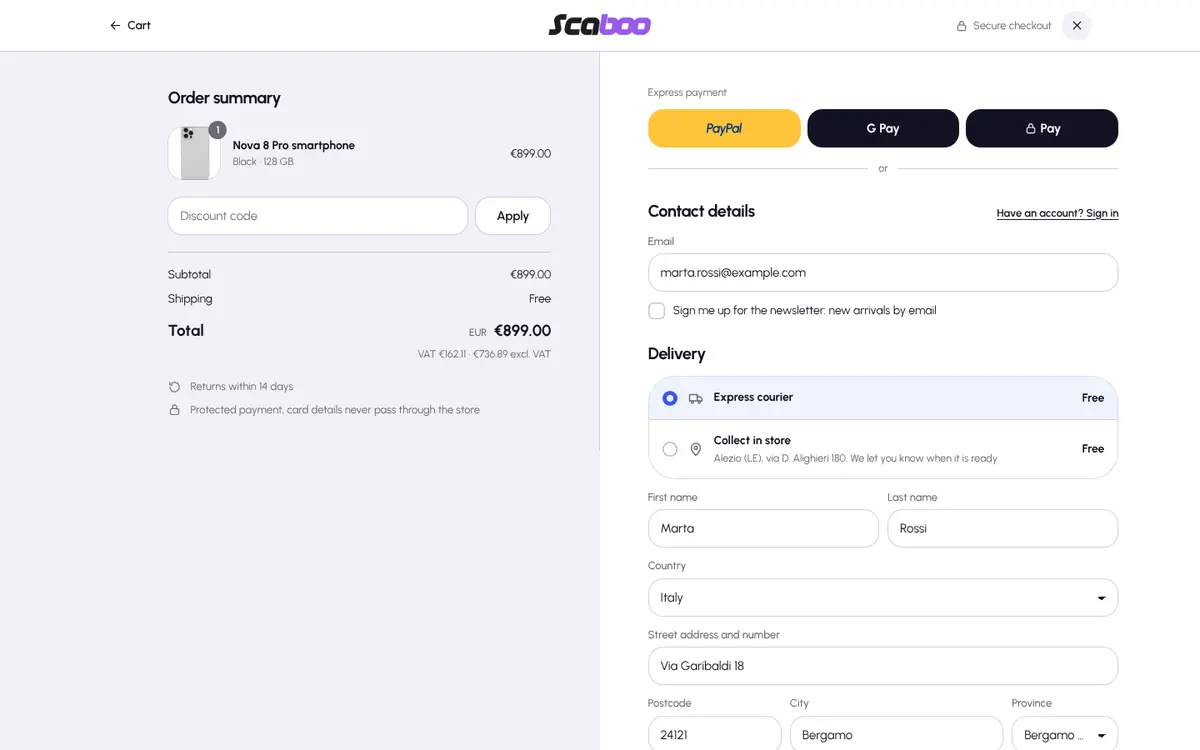
Each layout has its own page, with screenshots of catalogue, product page, menu, cart and checkout, and a live demo where you can place a test order.
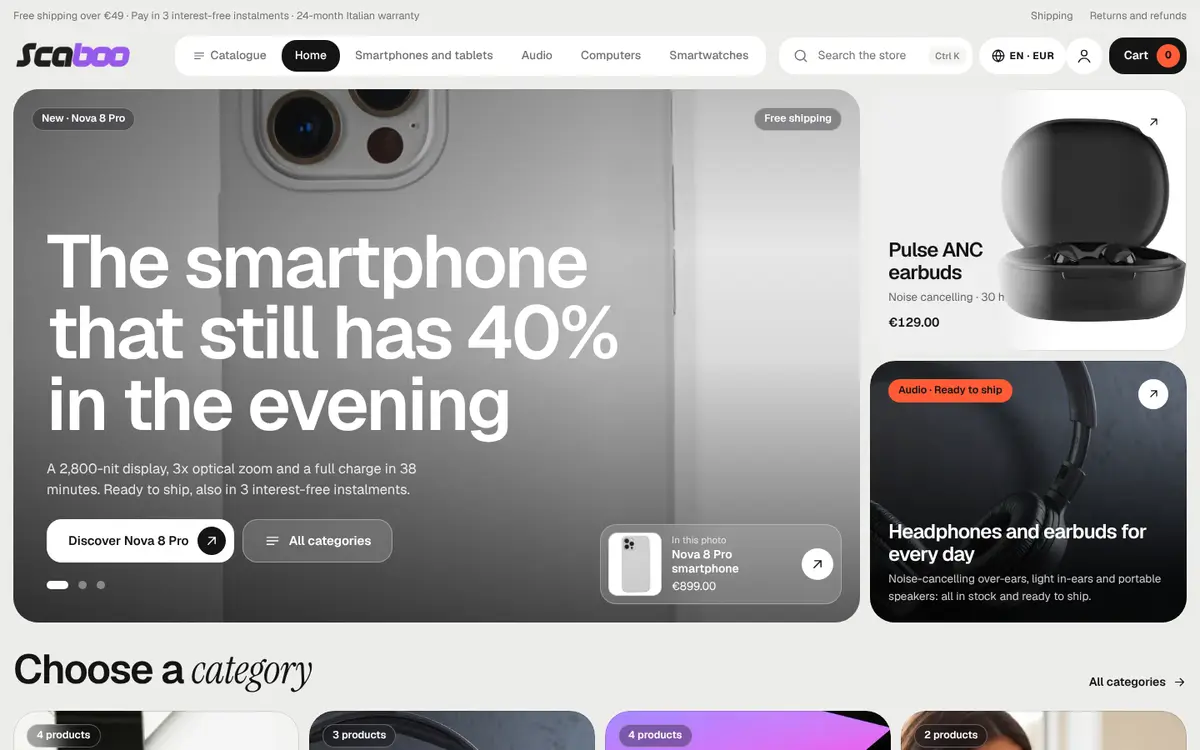 Large photos, rounded cards, glass labels How it looks Live demo
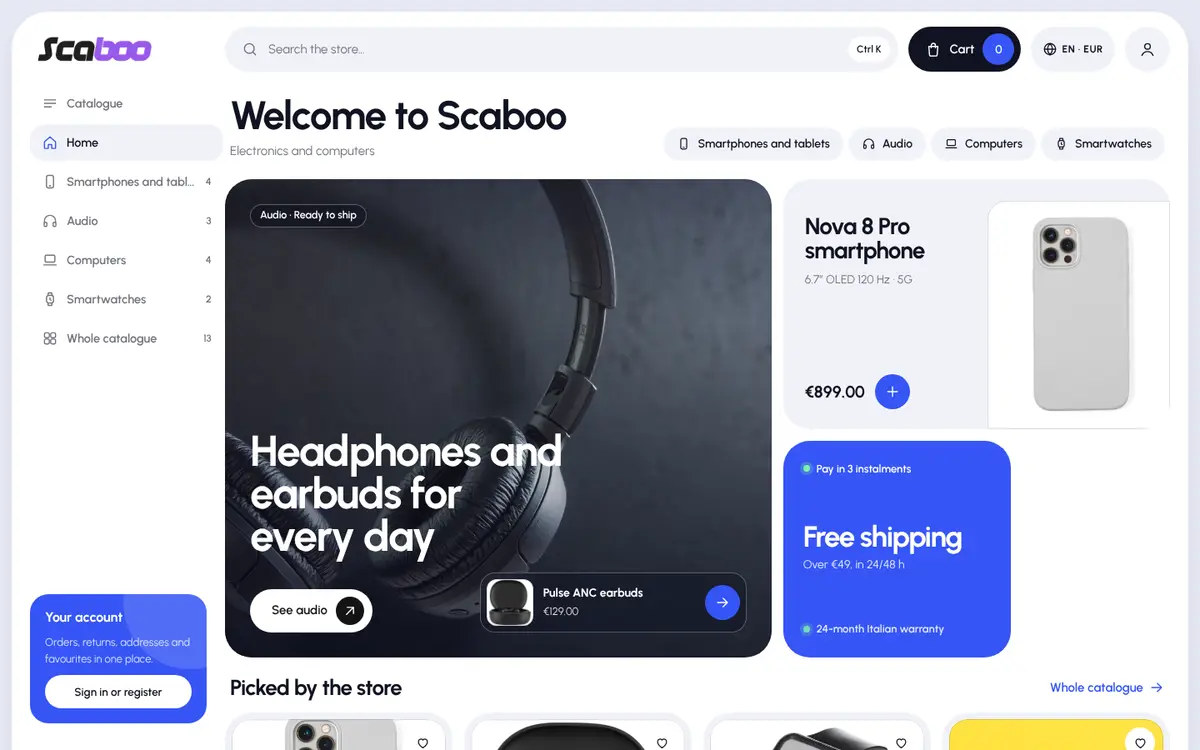 Side bar and a home page made of tiles How it looks Live demo
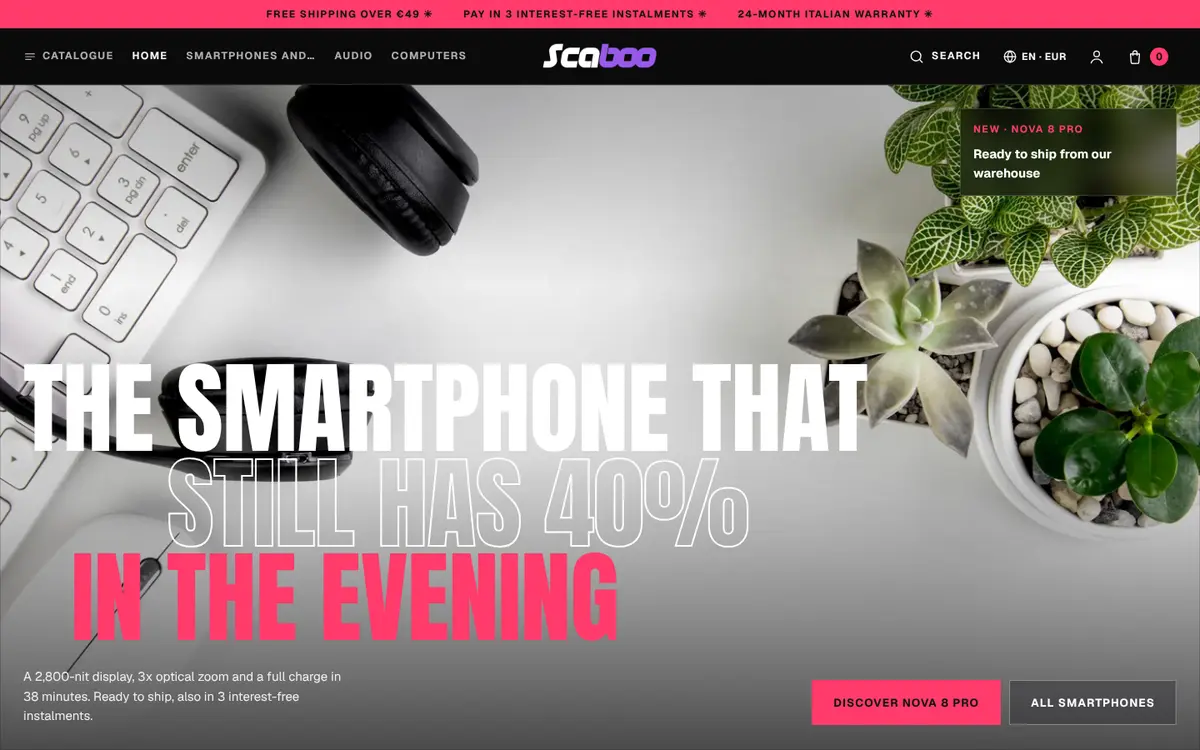 Condensed capitals, black bands, new arrivals up front How it looks Live demo
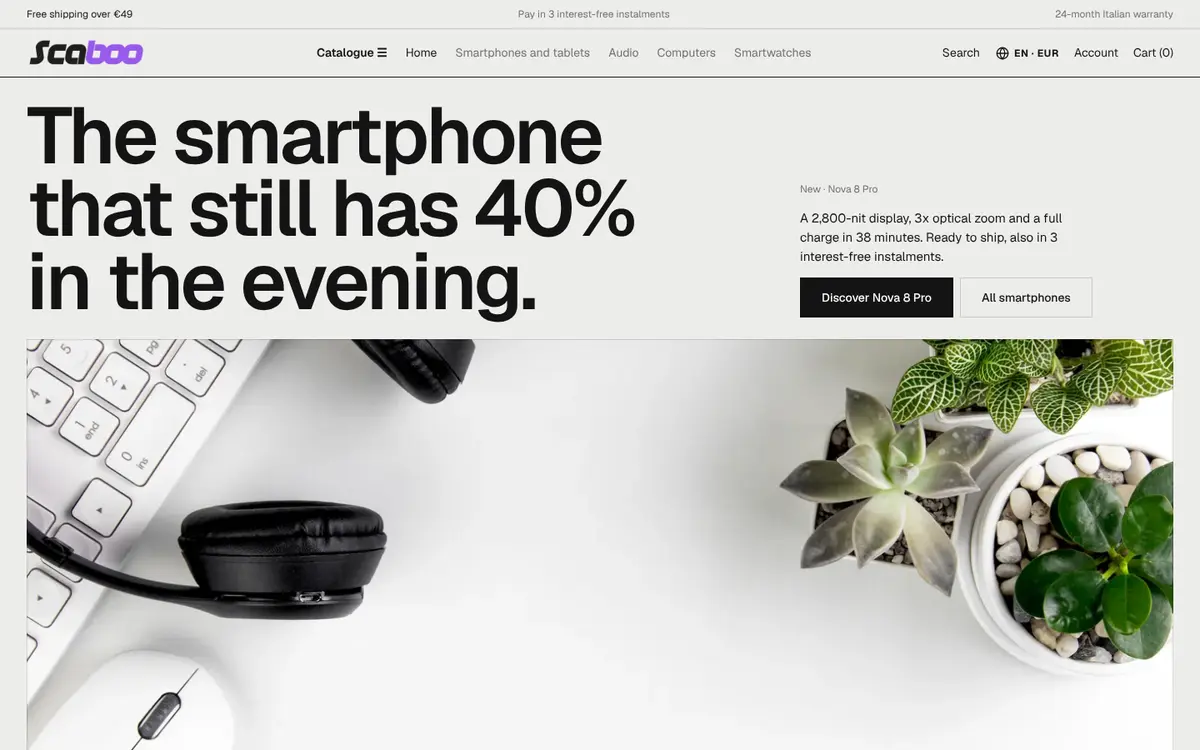 Strict grid, small type, nothing but the product How it looks Live demo
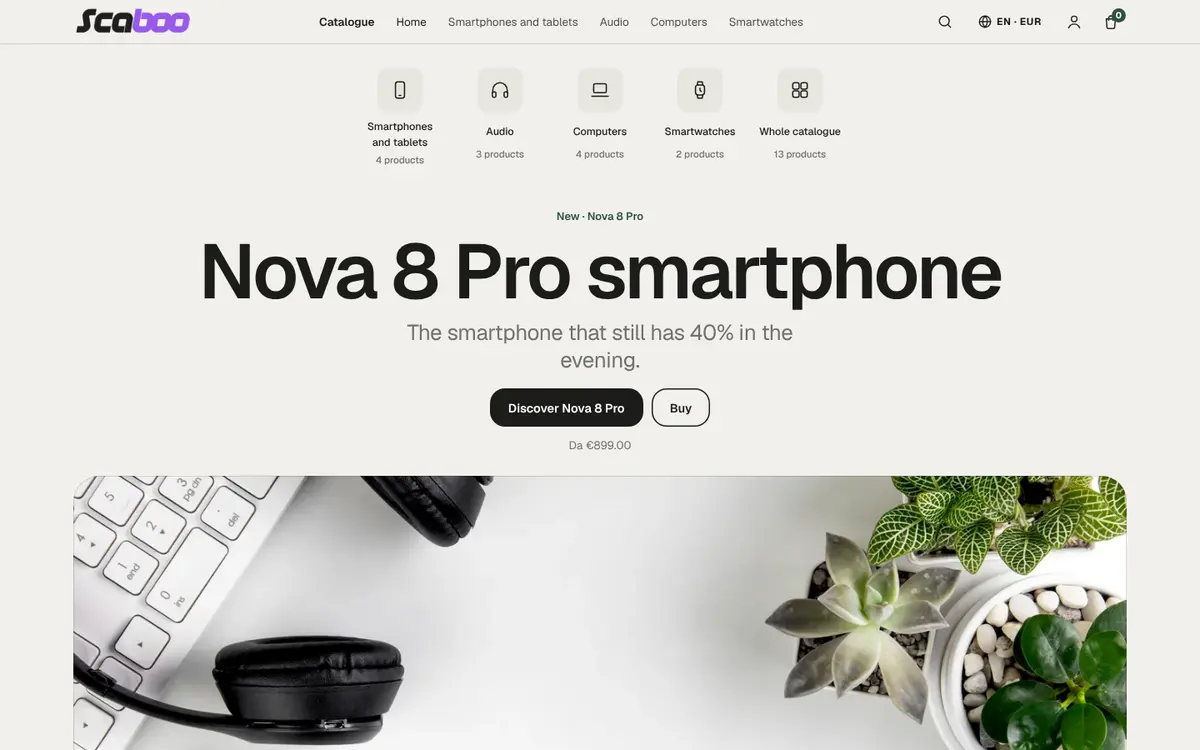 One product at a time, centre stage How it looks Live demo
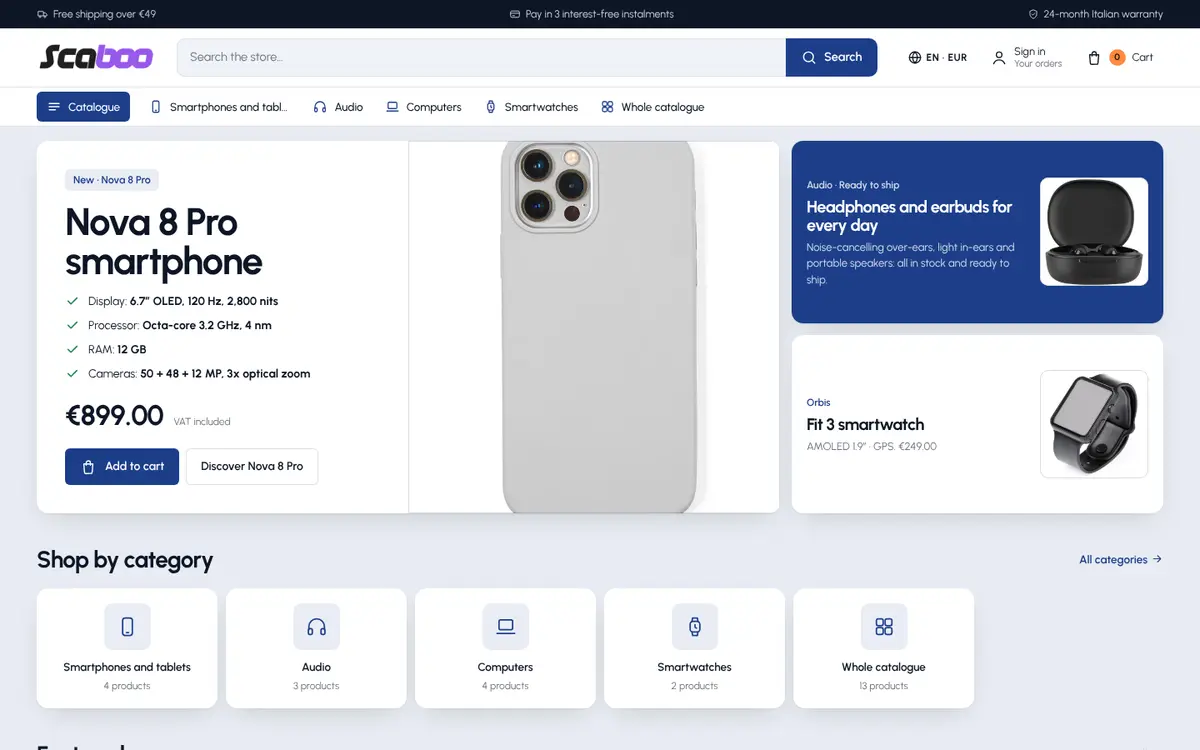 Specifications in view and product comparison How it looks Live demo
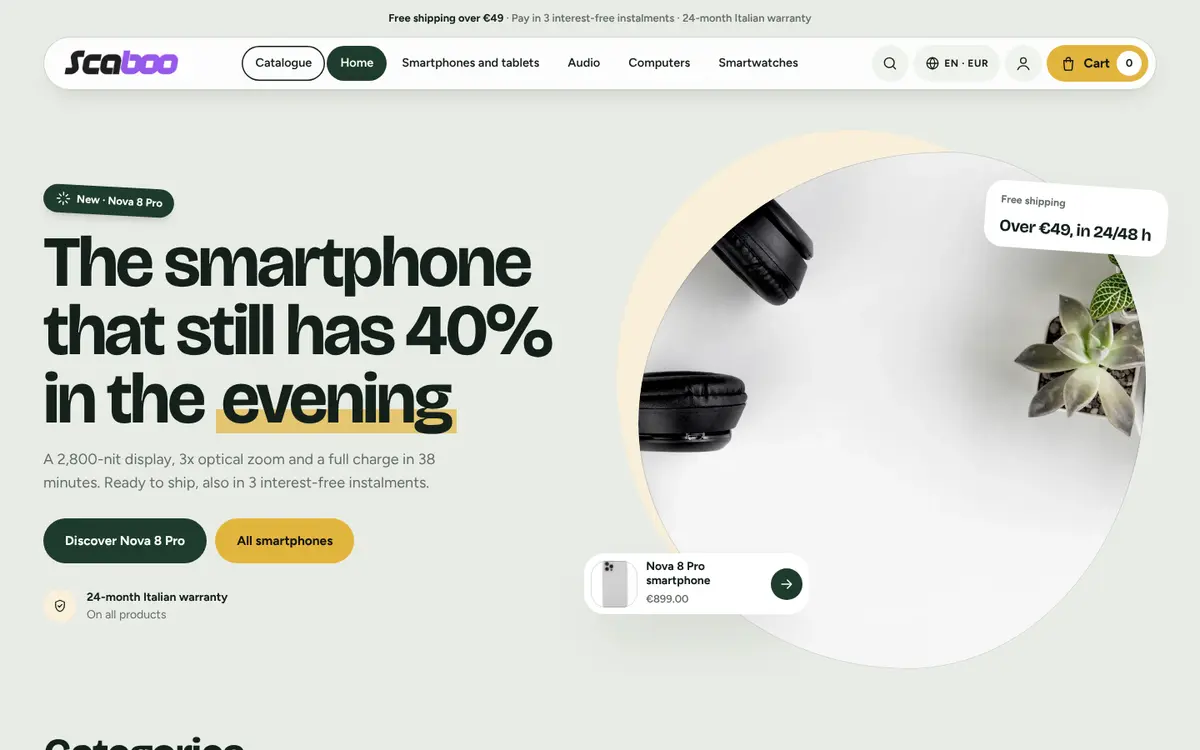 Soft shapes, warm tones, a friendly voice How it looks Live demo
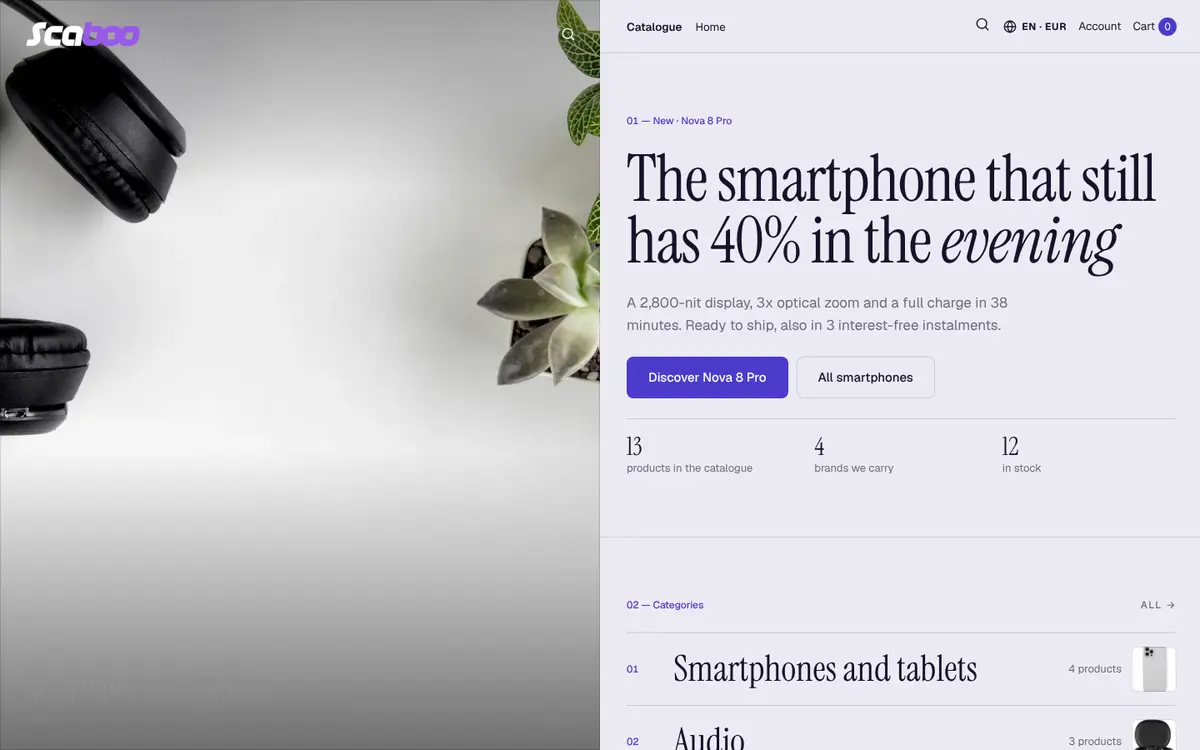 A fixed photo on one side, scrolling text on the other How it looks Live demo
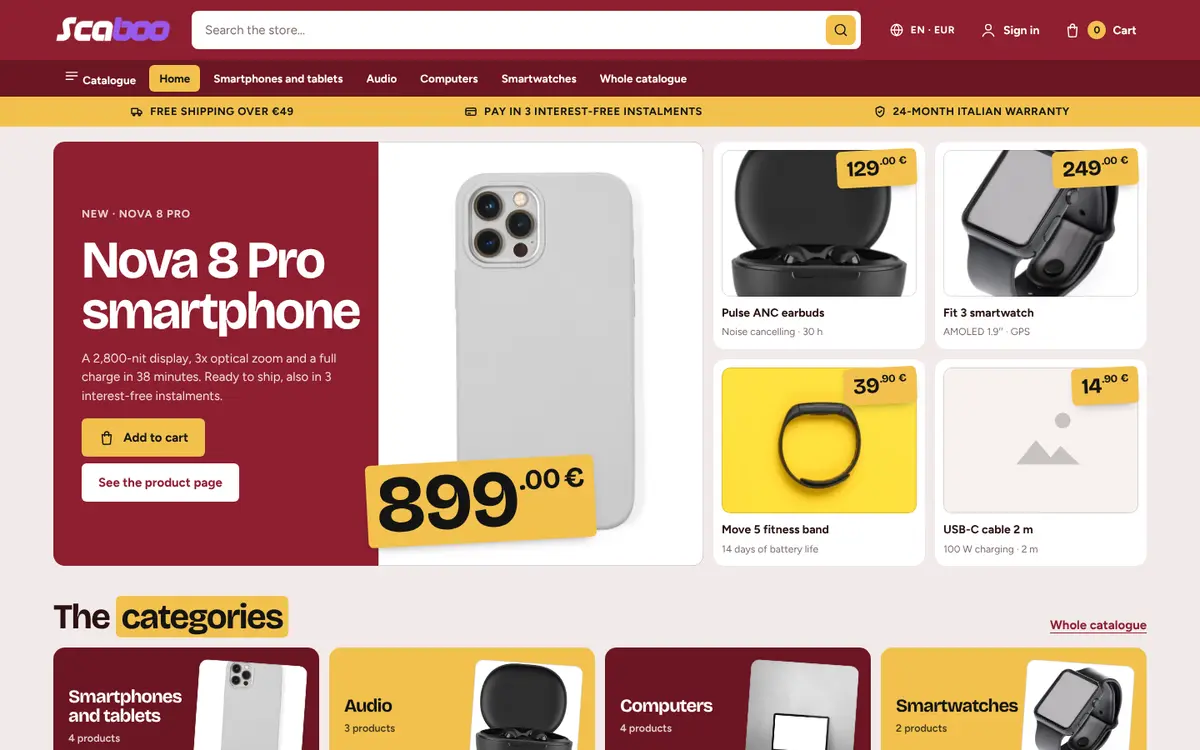 Price tags and offers by price band How it looks Live demo
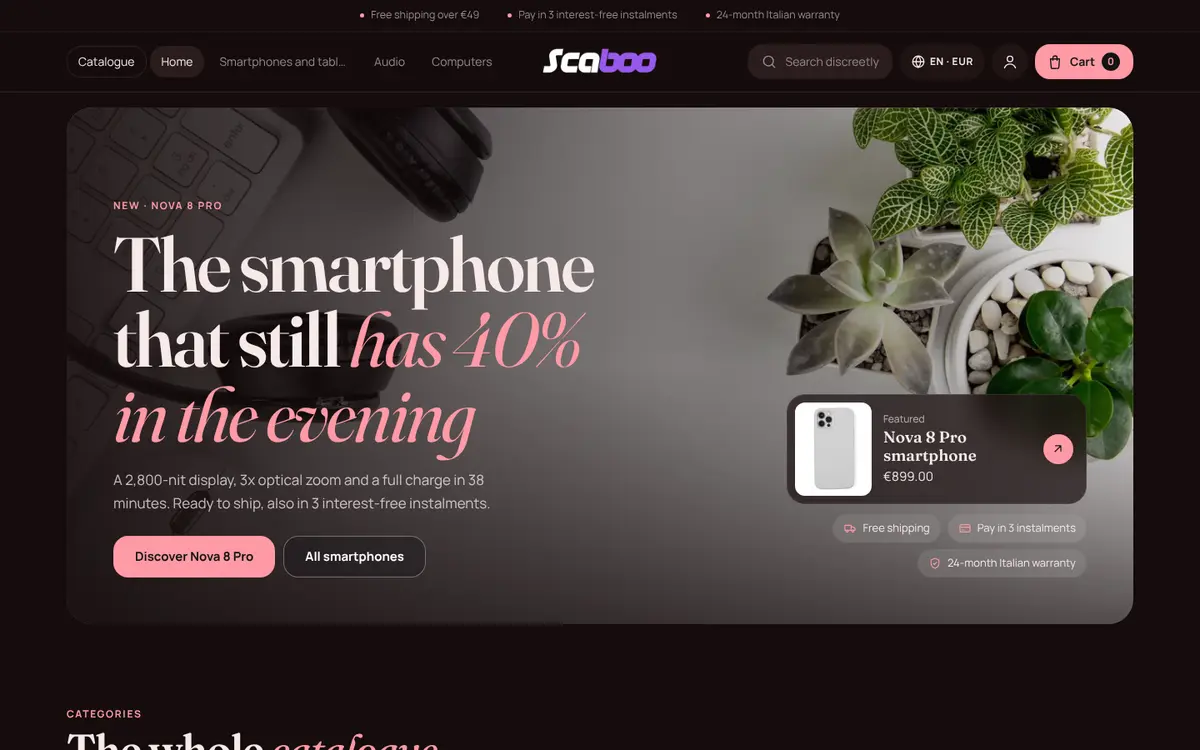 Dark and warm, discreet, with age confirmation How it looks Live demo A page of tiles and a floating pill bar How it looks Live demo
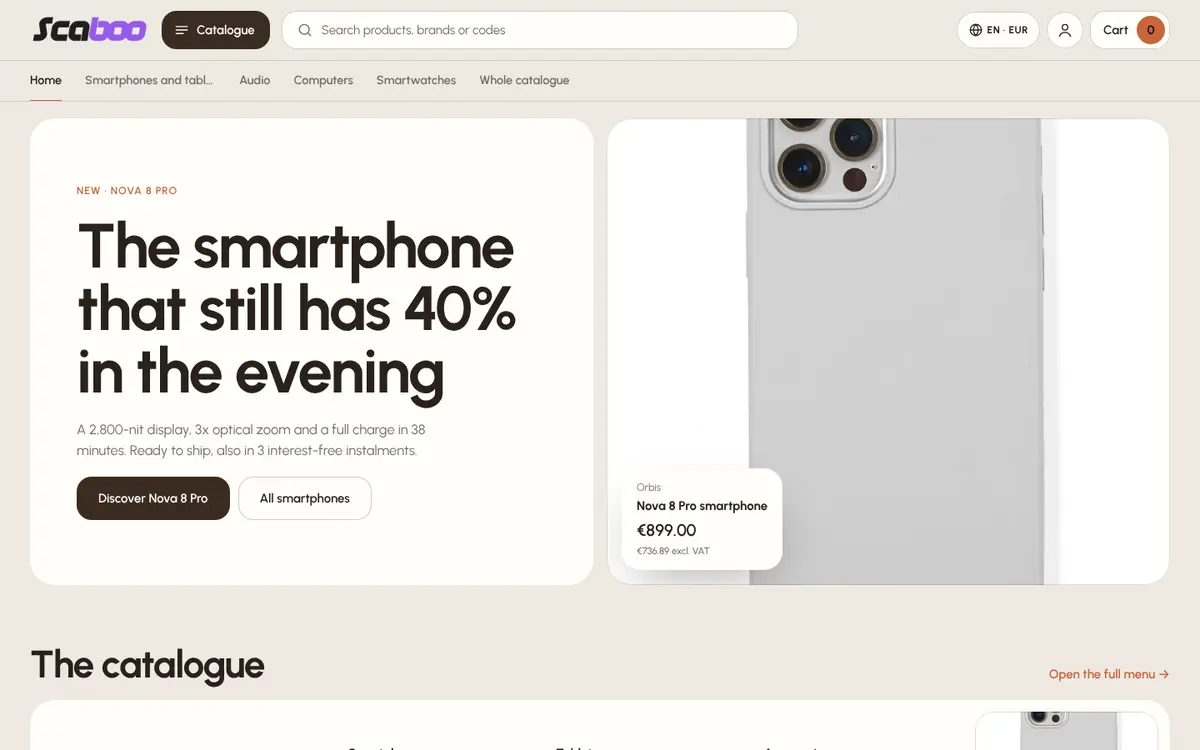 Half-text, half-image sections, catalogue in rows How it looks Live demo
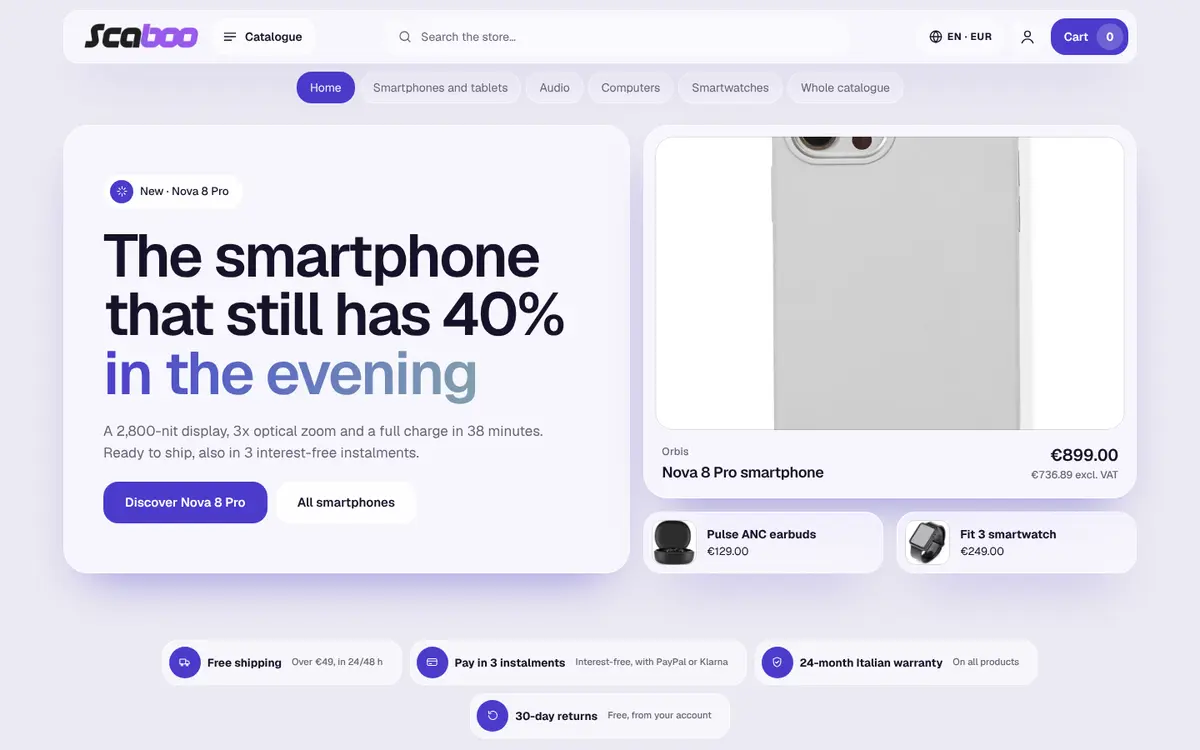 Transparent panels on a gradient background How it looks Live demo
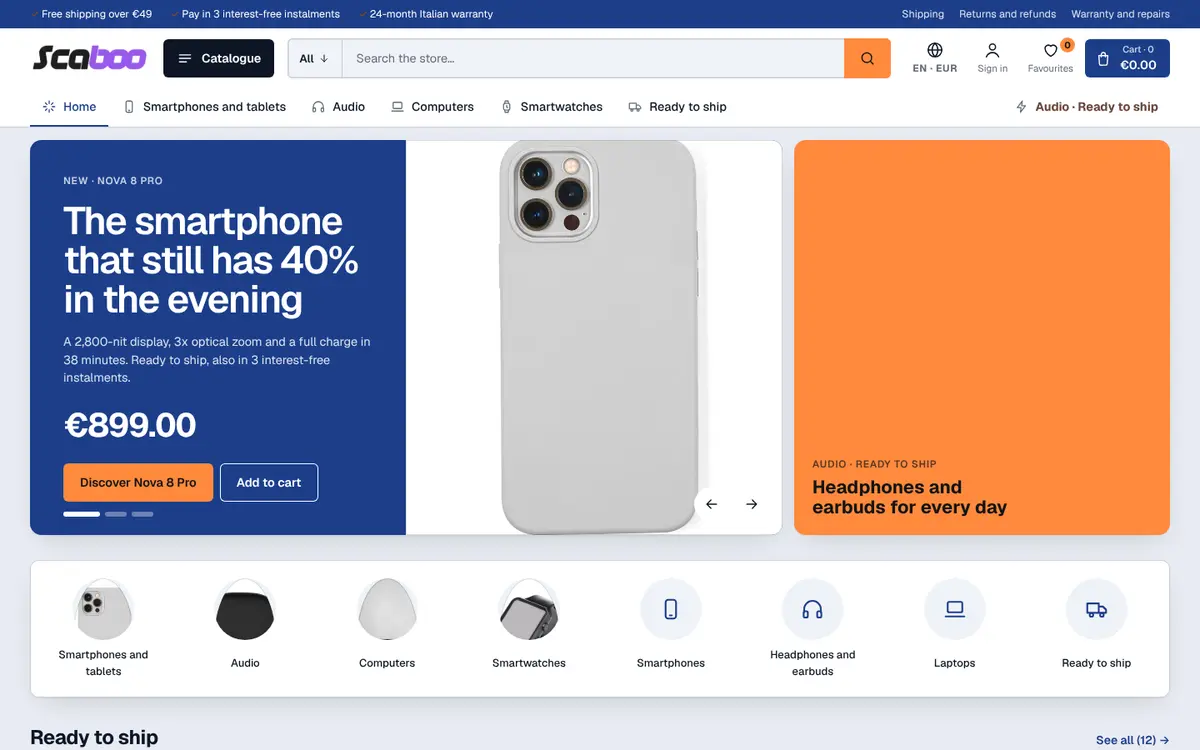 Catalogue menu, big search, lots of rows How it looks Live demo
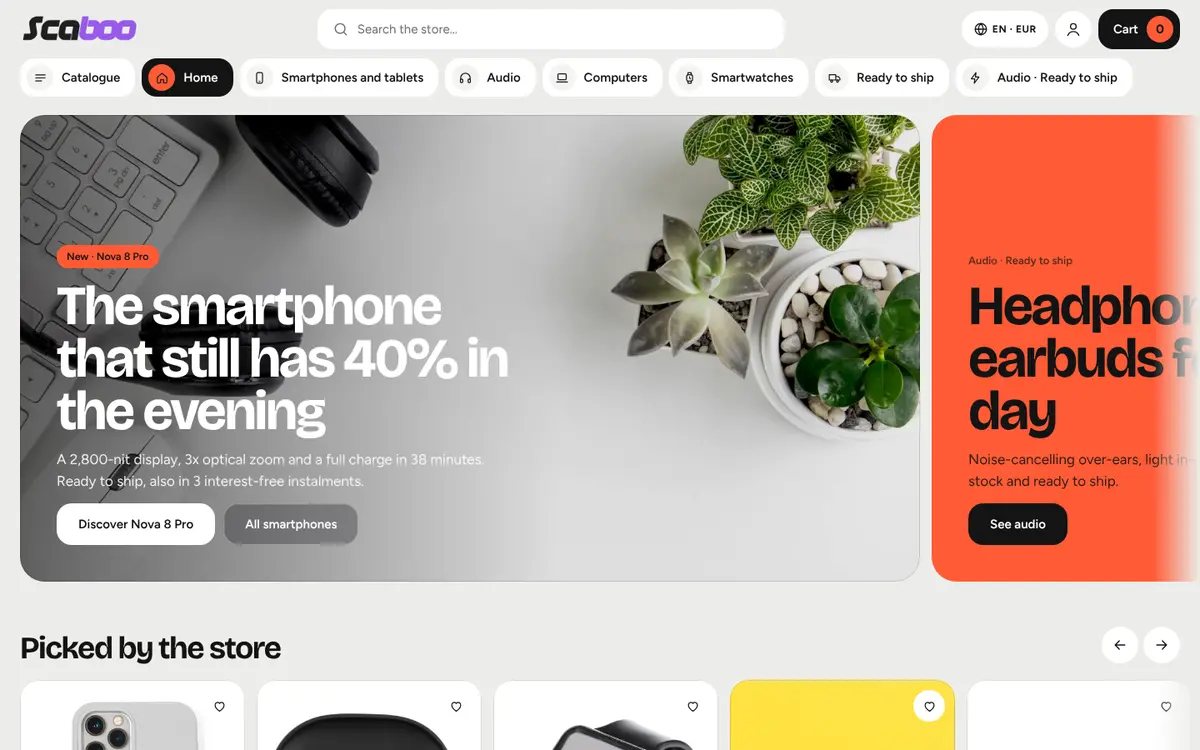 Horizontal rows of products, as in apps How it looks Live demo
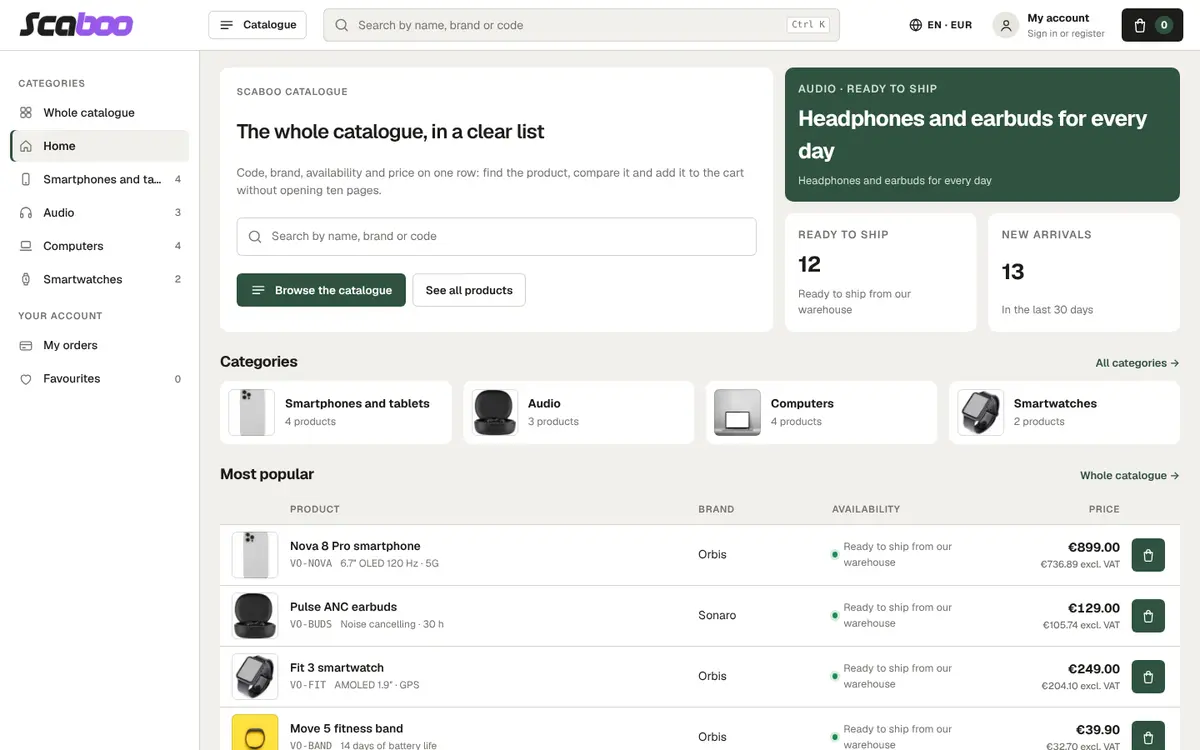 Categories on the left, products in compact rows How it looks Live demo
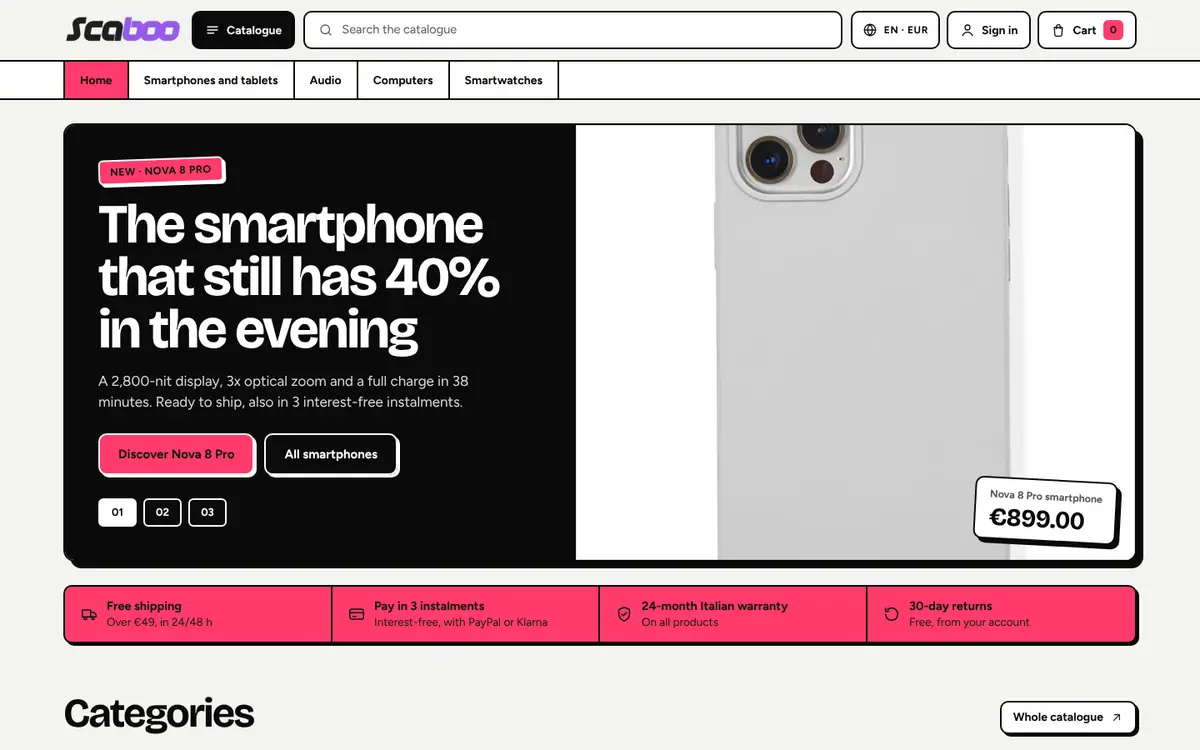 Thick borders, solid shadows, coloured tags How it looks Live demo
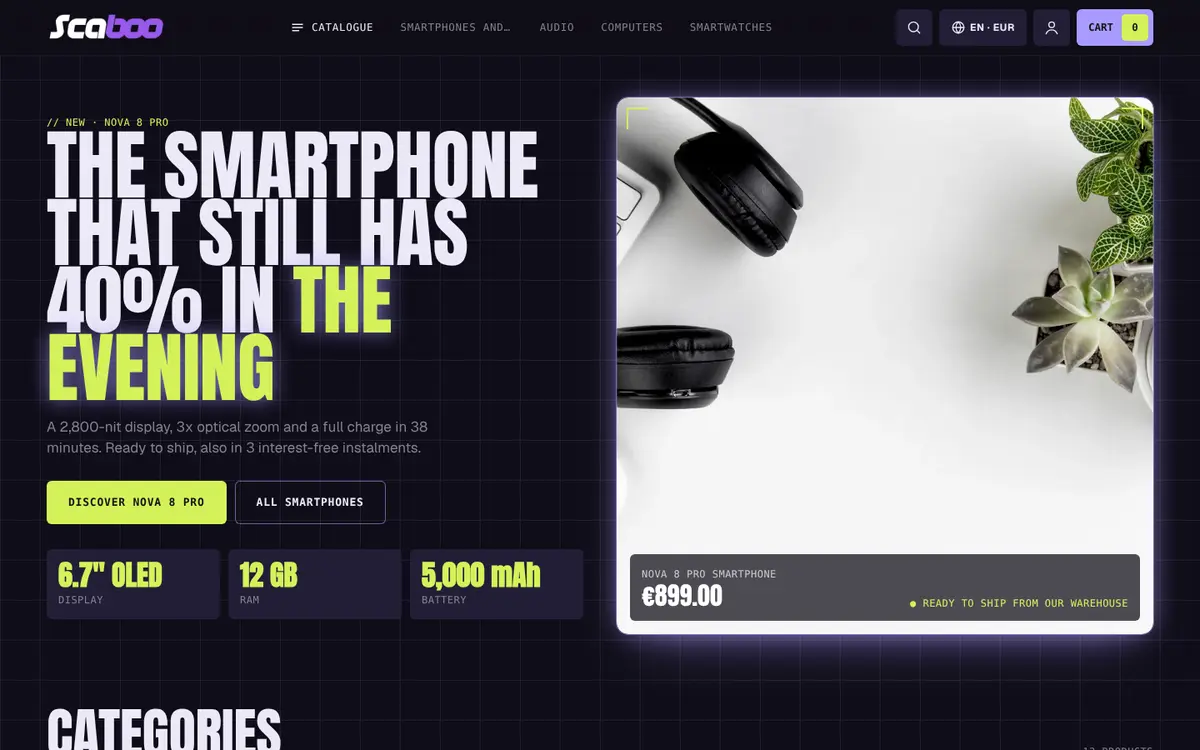 Dark, glowing, condensed capitals How it looks Live demo
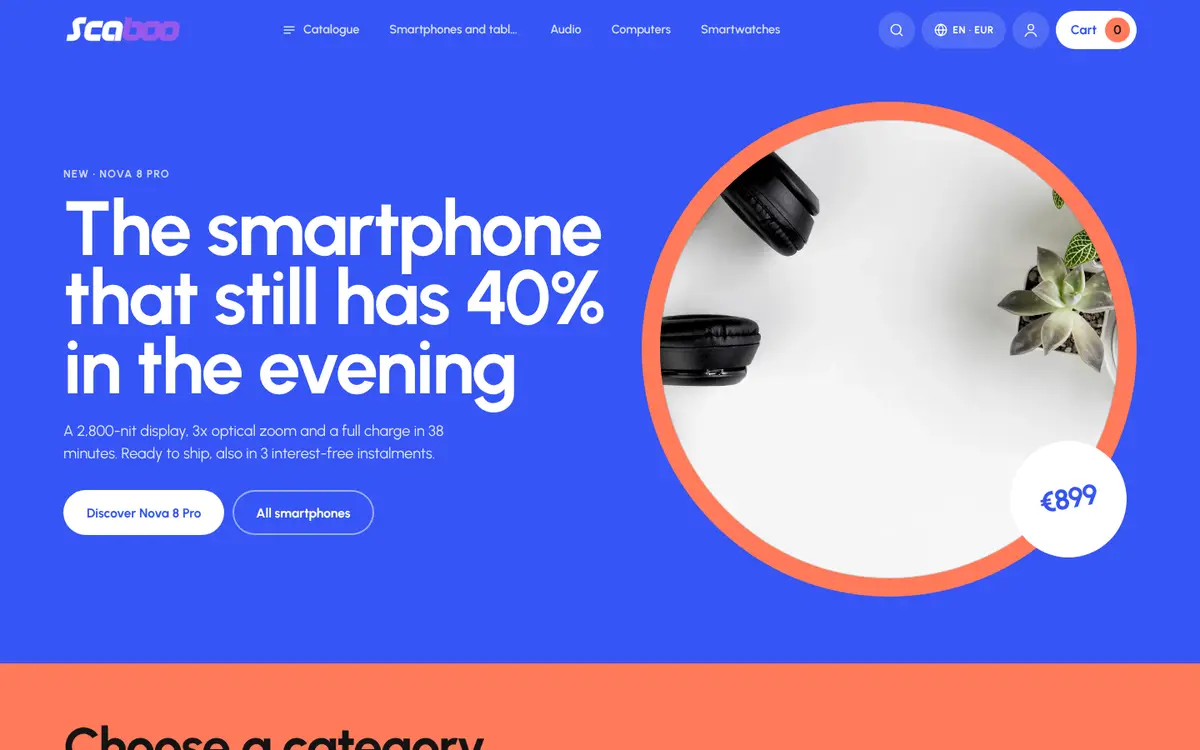 Full-width sections in flat colour How it looks Live demo
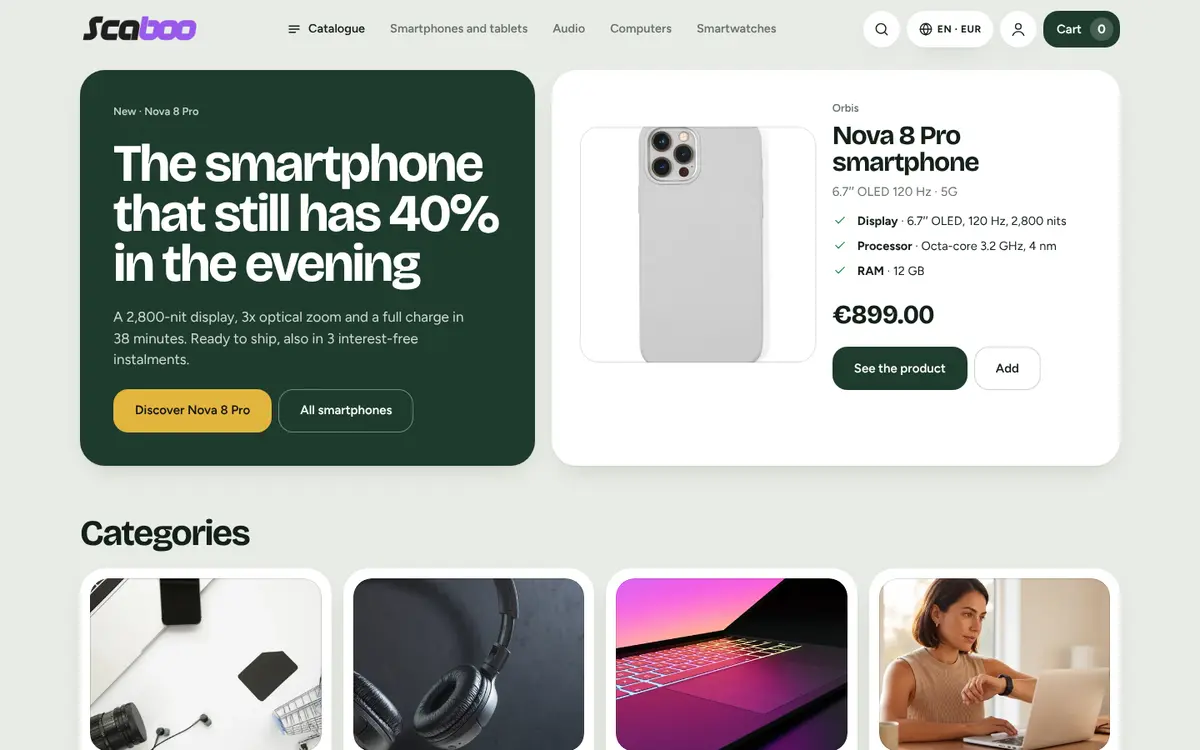 Product page with guided steps How it looks Live demo
The look is up to you
The layout is only the starting point. Colours, typefaces, corners and shadows are chosen separately and combined as you like: you try them in preview and publish when you are happy with the result, without touching products and orders.
- 20 layoutsThey change the structure of home page, catalogue and product page. You switch from one to another with a click.
- 9 colour palettesGraphite, Stone, Cloud, Ink, Forest, Sand, Lavender, Ocean and Cherry.
- Light, dark or automaticIn automatic mode the store follows the setting of the visitor's device.
- 6 typeface pairingsModern, Editorial, Geometric, Condensed, Grotesk and Classic.
- CornersSquare, slight, soft or very rounded, on cards, buttons and images.
- ShadowsNone, soft or lifted, to give cards and buttons more or less depth.
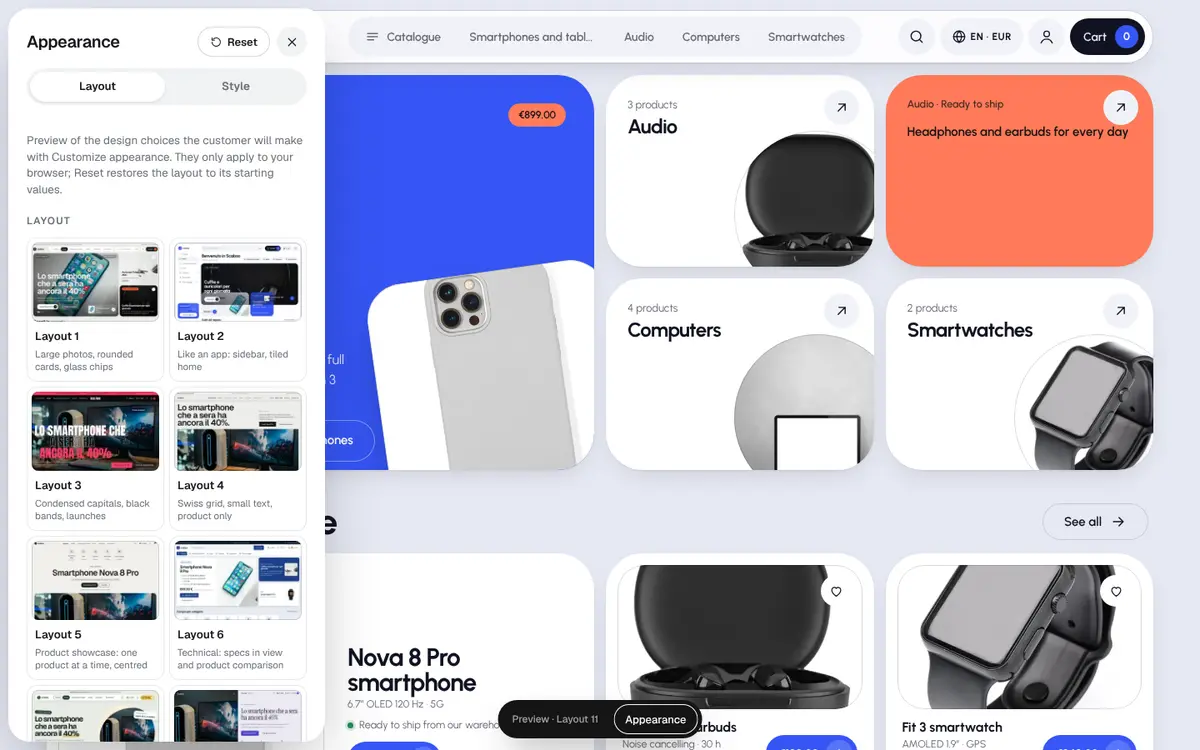
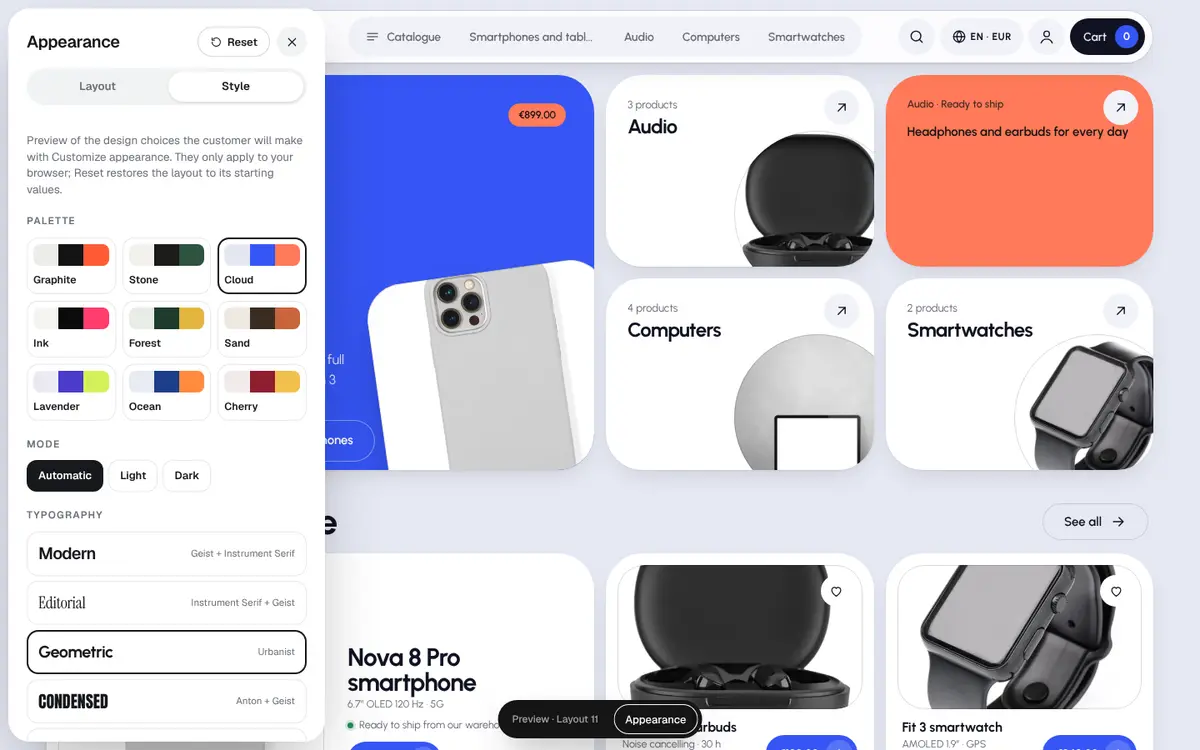
Same layout, four different stores
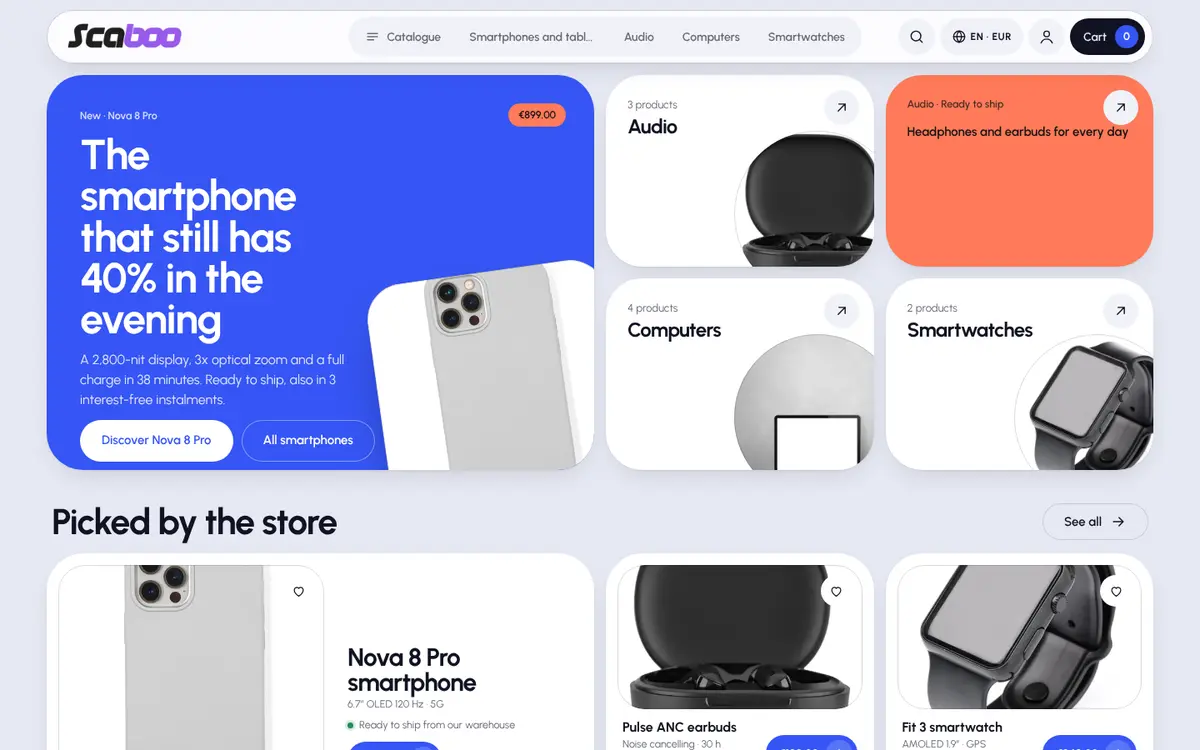 As it comesCloud palette, Geometric typefaces, very rounded corners.
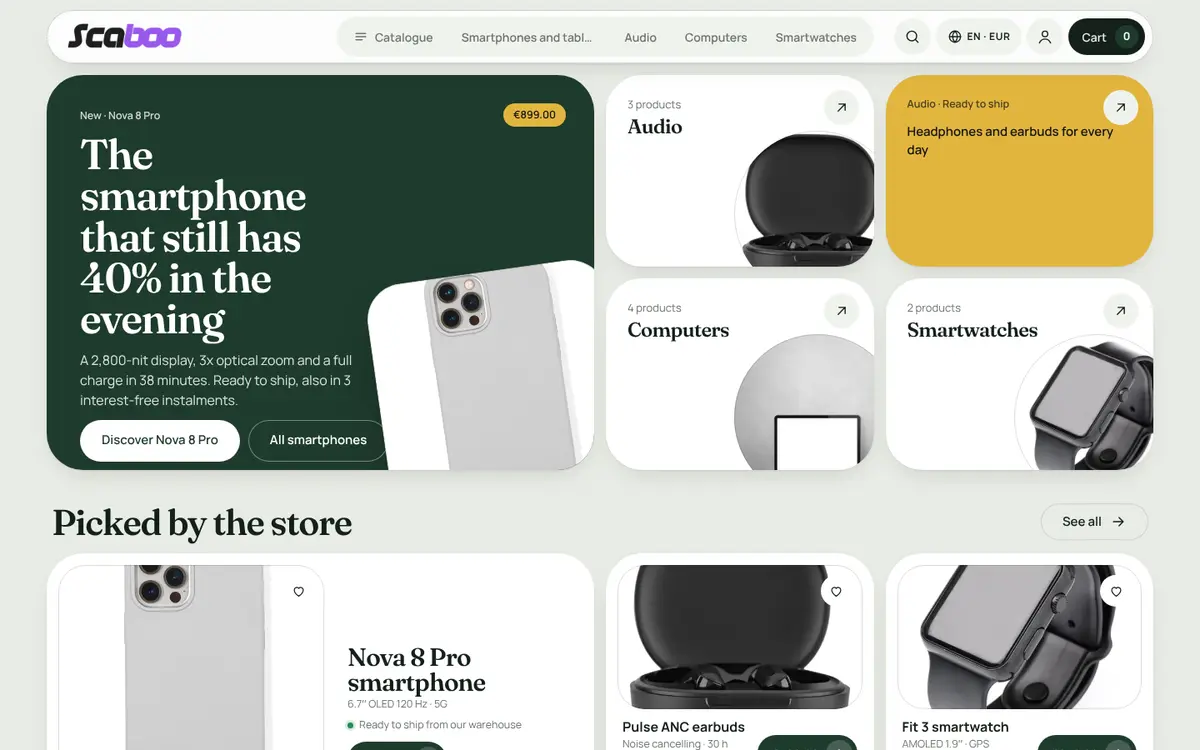 More classicForest palette, Classic typefaces, soft shadows.
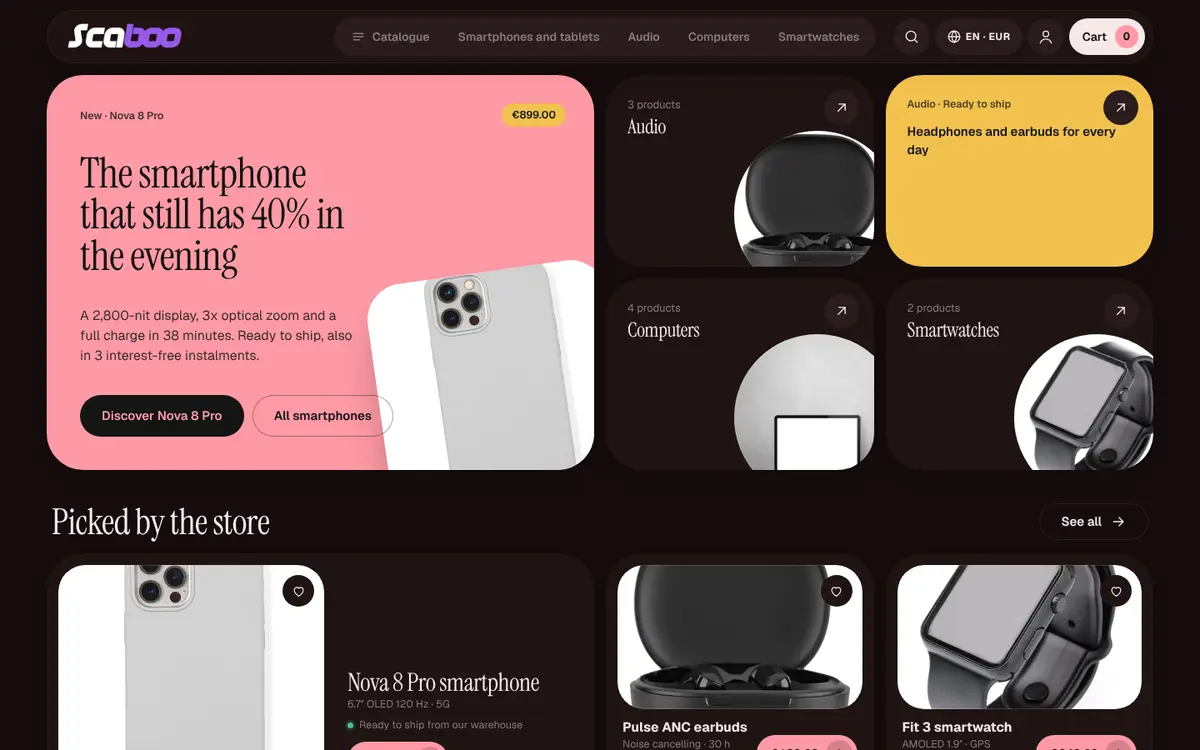 Dark and elegantCherry palette in dark mode, Editorial typefaces.
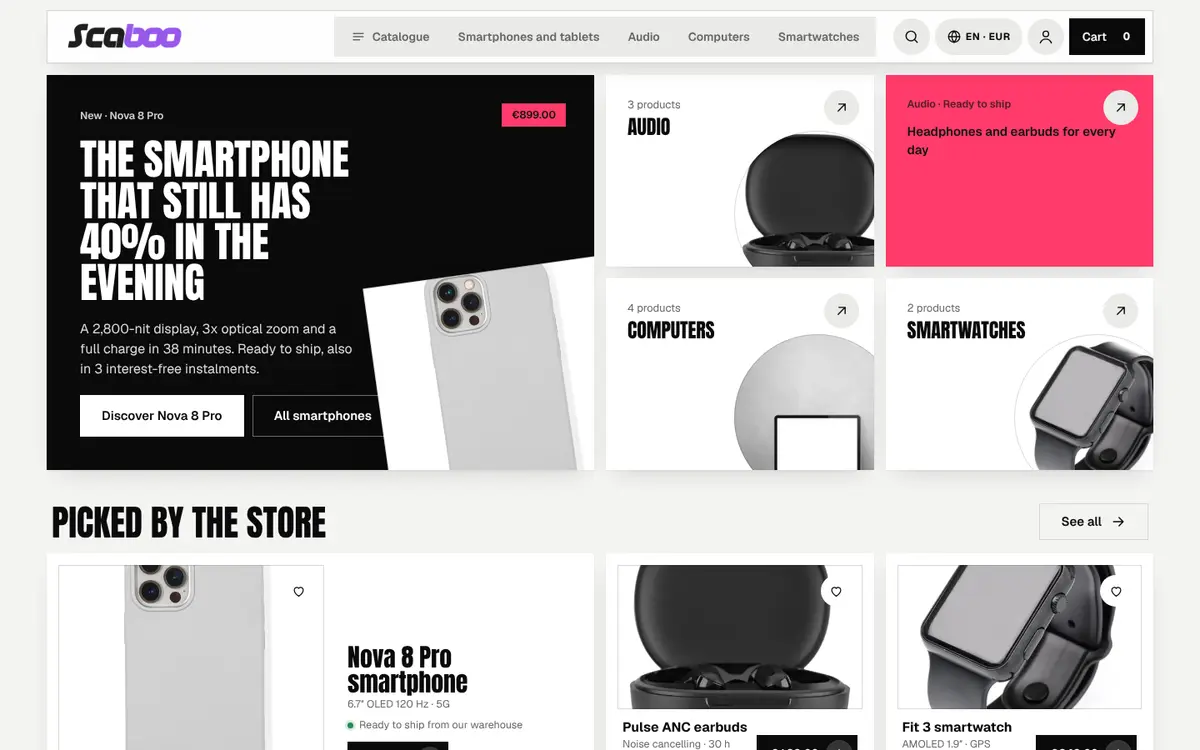 BoldInk palette, Condensed typefaces, square corners.
Try it in the demo
In every demo store you will find the Appearance button at the bottom: change layout, colours and typefaces and see the result at once. Your experiments stay in your browser.
The look changes, the features do not
Whichever layout you choose, the store does the same things. And you can change it whenever you like: products, orders and customers stay where they are.
- Three-level catalogue menuCategories, subcategories and a third level in a single panel. You choose the items in the top bar: categories, pages or any link.
- Product comparisonCustomers put two or more products side by side.
- Price with and without VATUnder each price there is also the amount excluding VAT, useful for business buyers.
- Slide-out cartIt opens from the side without leaving the page, with the total and the free shipping threshold.
- Single-page checkoutSummary on the left, details on the right, no menu to distract.
- Ready for phonesEvery layout adapts to small screens, menu included.
Getting off to a good start
- Until the domain is connected, the store is visible at a temporary address in showcase mode: you can prepare it at your own pace.
- Switch on the languages of the countries you ship to: translations already come from the catalogue.
The costs of connected services are not included in your Scaboo subscription. Set-up fees, subscriptions and commissions charged by marketplaces, comparison sites, couriers and other services are paid directly to whoever provides them.
Want to see it in action?
We show you Scaboo at work and what it can do for your sales.