Step by step layout
Product page with guided steps. It is number 20 of the 20 Scaboo store layouts.
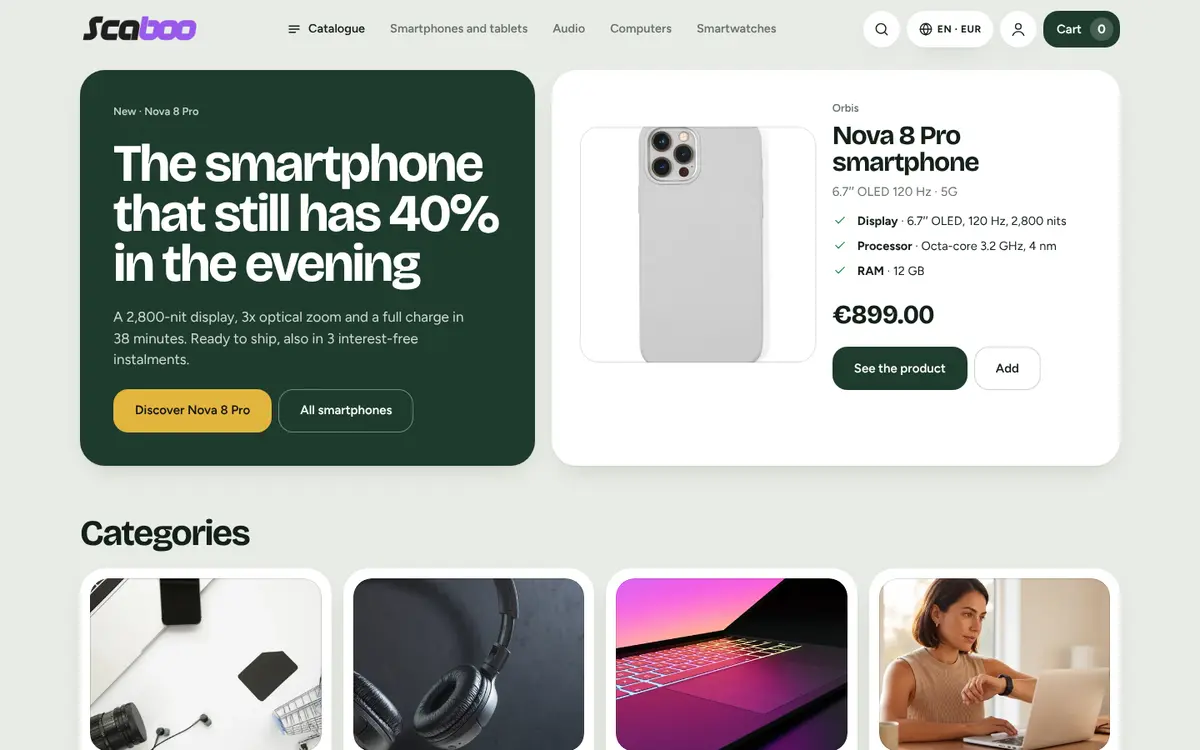
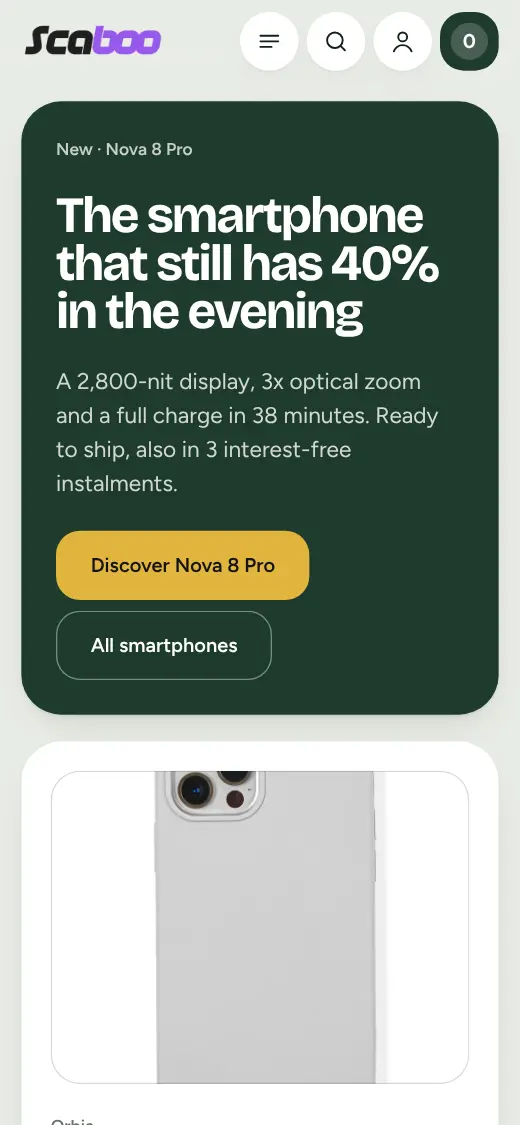
Dark green and mustard, rounded boxes and constant guidance: on the home page the flagship product already has its features and the add button next to it.
Useful when the product has many variants or needs configuring, and the customer should be walked through the choice: made-to-measure furniture, bicycles, computers, kits.
The details that set it apart
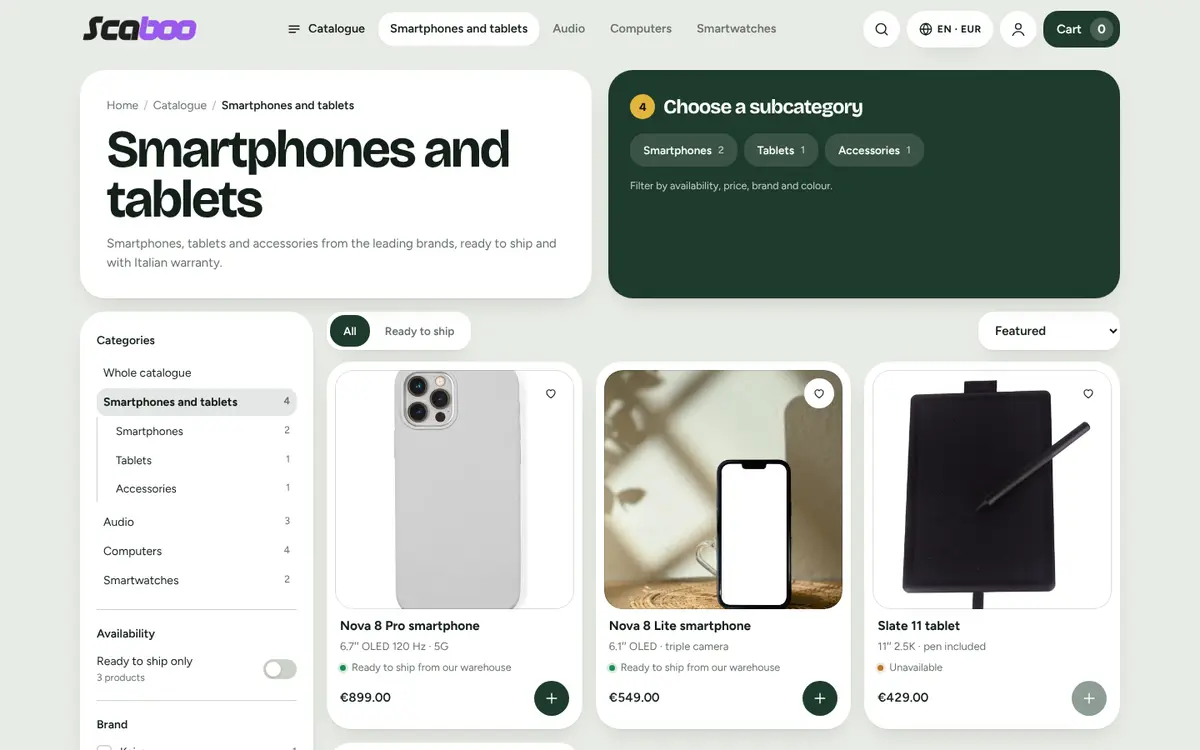
Subcategory first
At the top of the catalogue a numbered box invites you to choose the subcategory and reminds you that you can filter by availability, price, brand and colour.
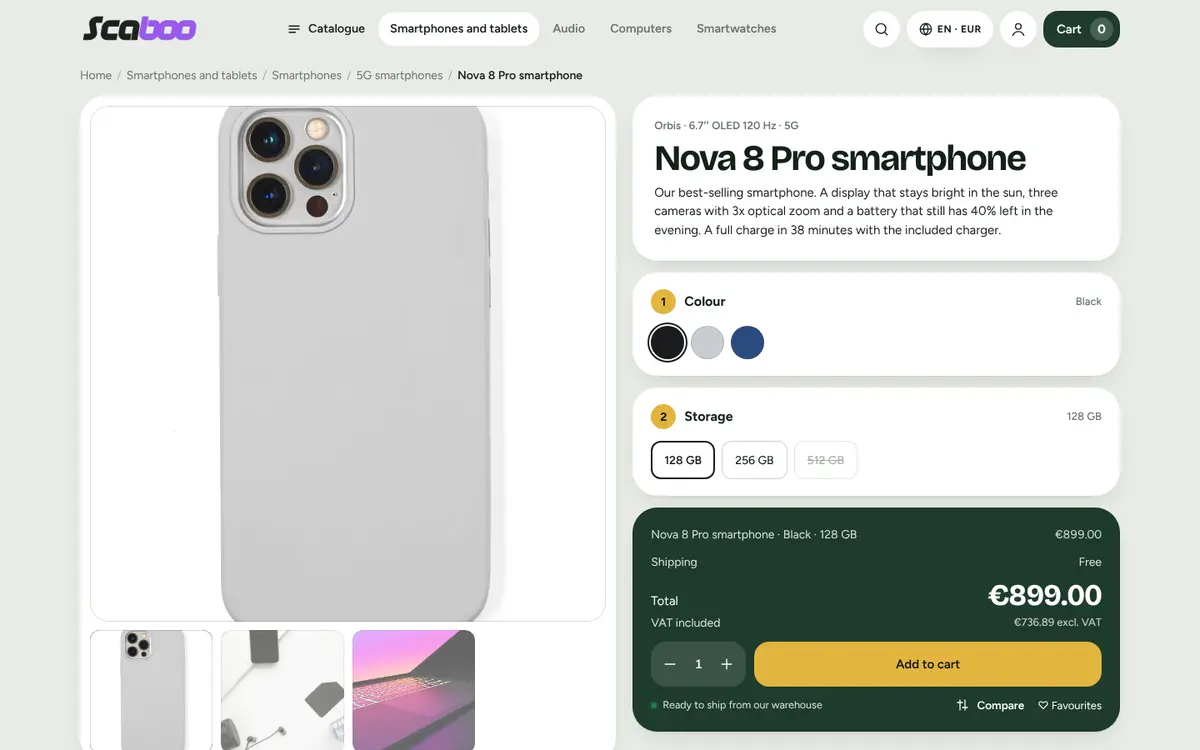
One choice at a time, then the summary
Colour and memory are numbered steps, each in its own box. At the bottom a green summary shows the chosen variant, shipping and the total, with the buy button.
Menu, cart and checkout
They work the same way in all 20 layouts: here you see them in this one's colours and typefaces.
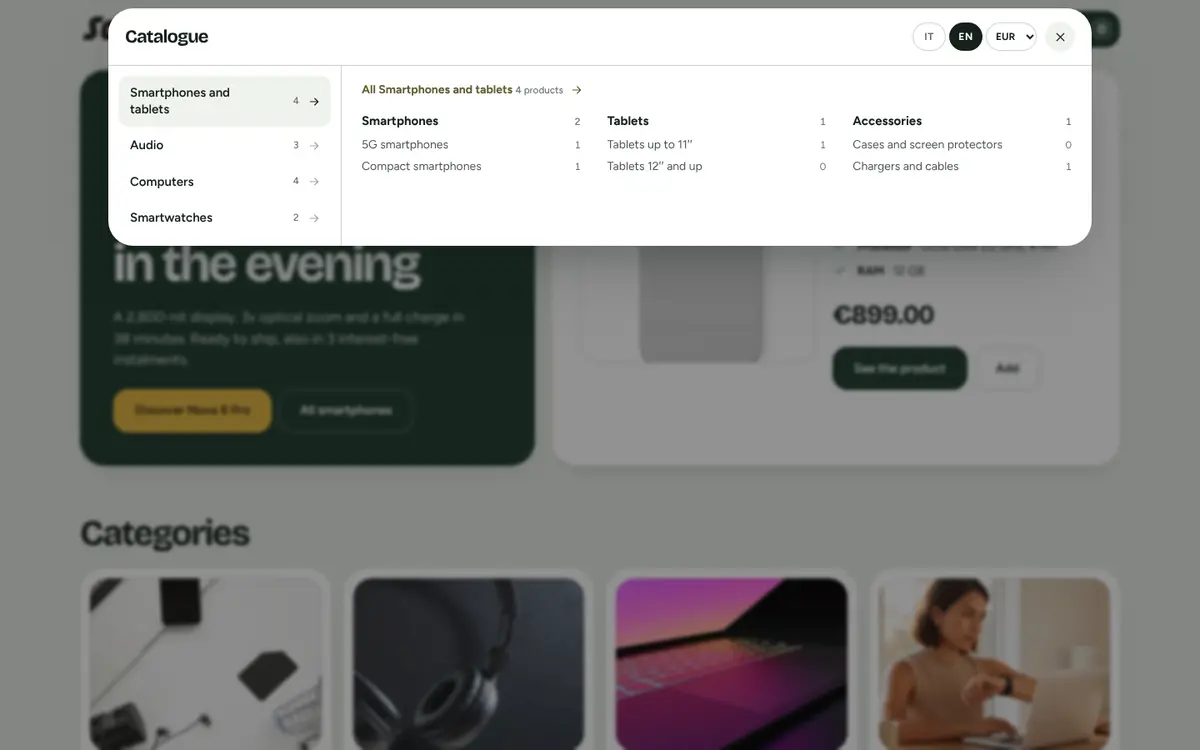 Catalogue menuA single panel with categories, subcategories and a third level, plus language and currency.
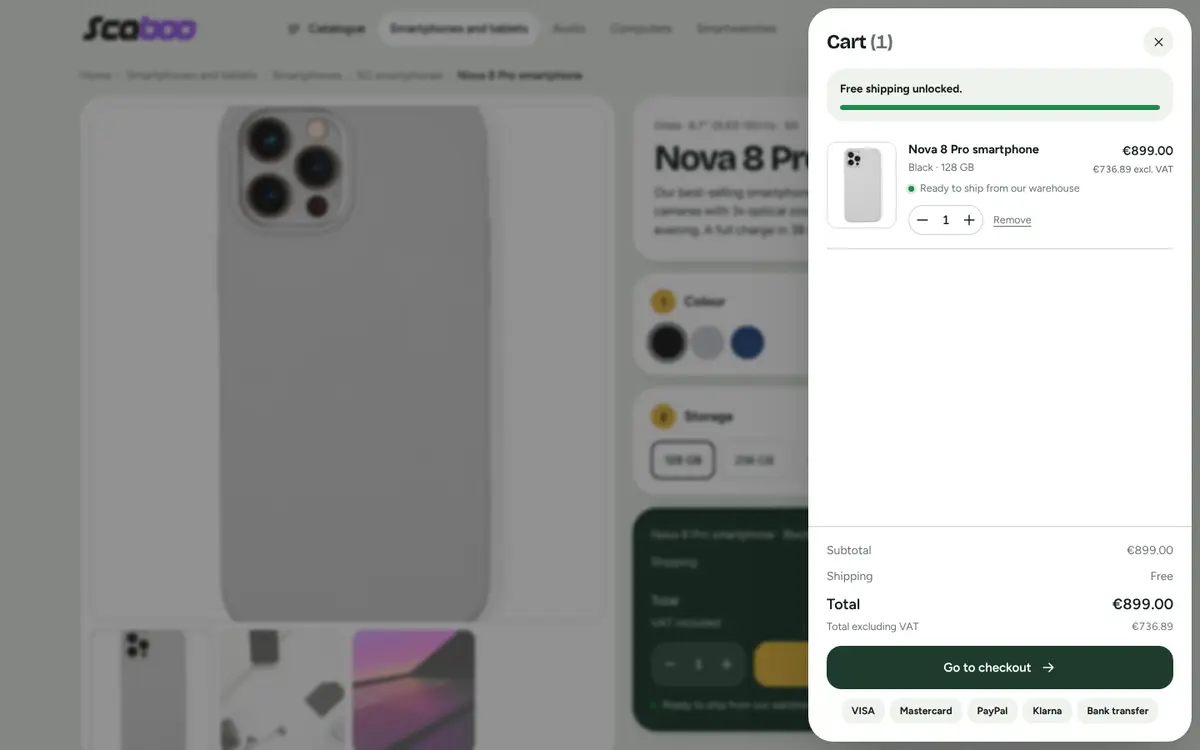 CartIt opens from the side over the page: products, total and how much is left to reach free shipping.
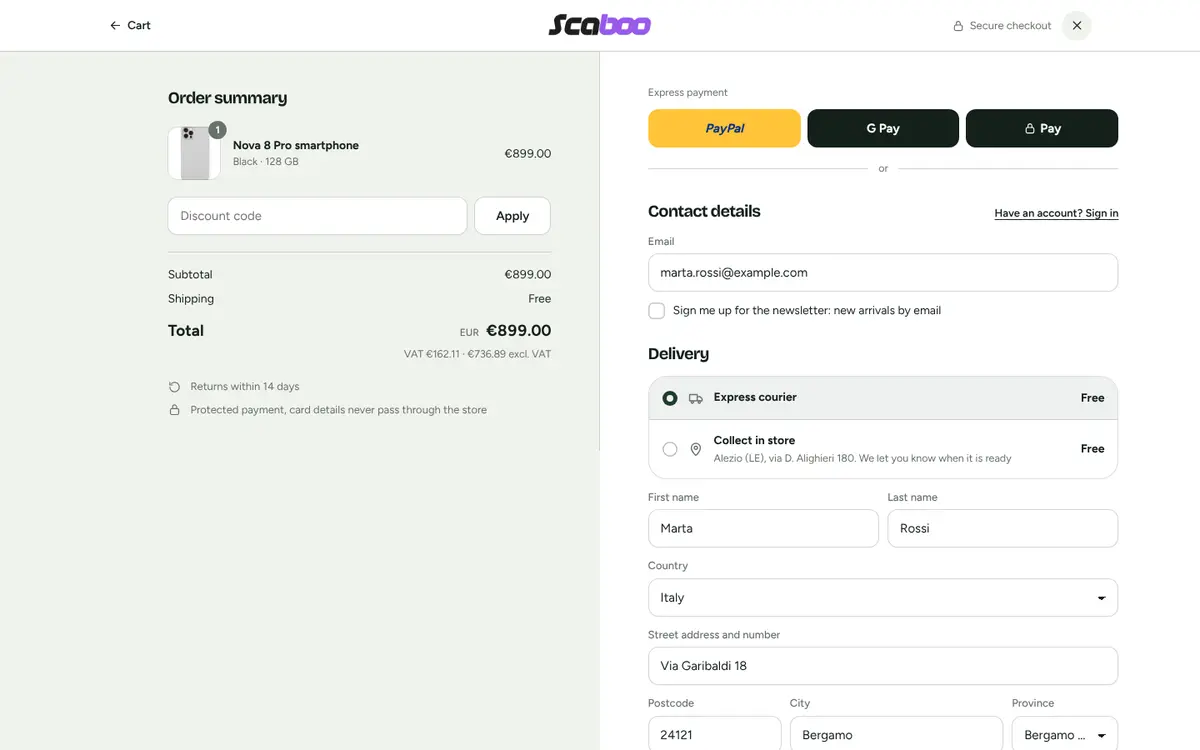 CheckoutA page of its own, with no menu: order summary on the left, express payment and details on the right.
Screenshots are not enough: try it
The demo is a complete store with sample products: browse the catalogue, fill the cart and go all the way to checkout with the Step by step layout.
Want to see it in action?
We show you Scaboo at work and what it can do for your sales.