Showcase layout
One product at a time, centre stage. It is number 5 of the 20 Scaboo store layouts.
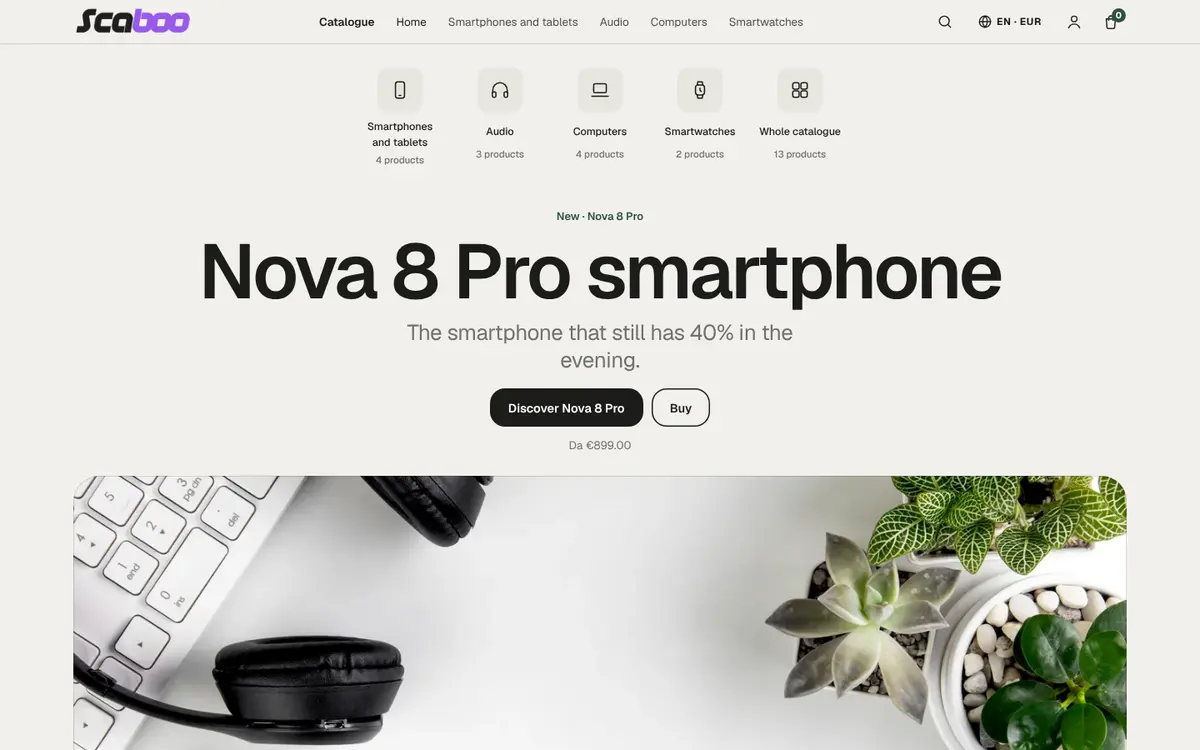
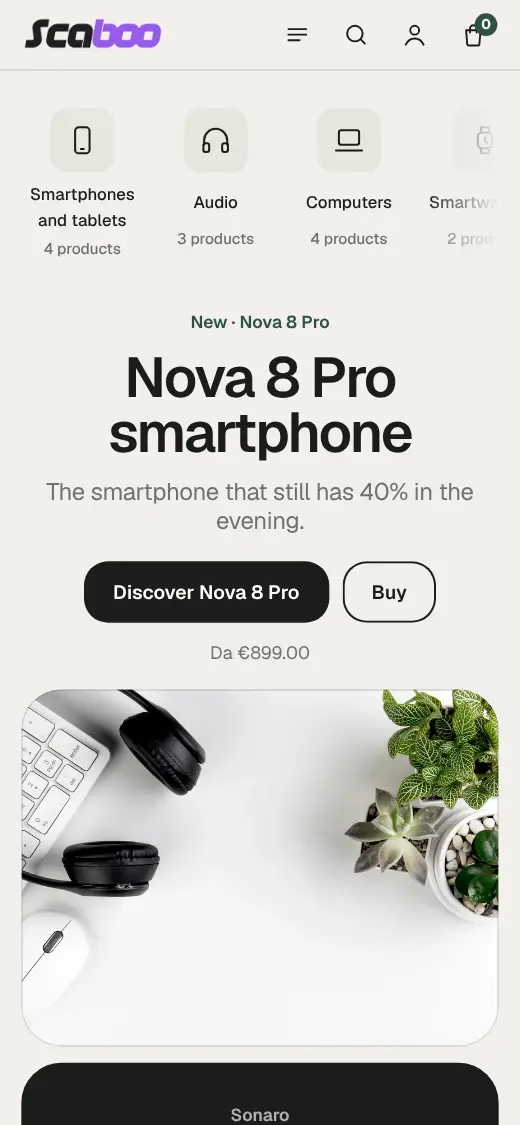
Everything is centred. At the top the categories with their icons, then a single product: name, one sentence, two buttons and a wide photograph. To see the next one, you scroll.
It suits small catalogues, where each product deserves its own stage: a few well-chosen items, an own brand, a flagship line.
The details that set it apart
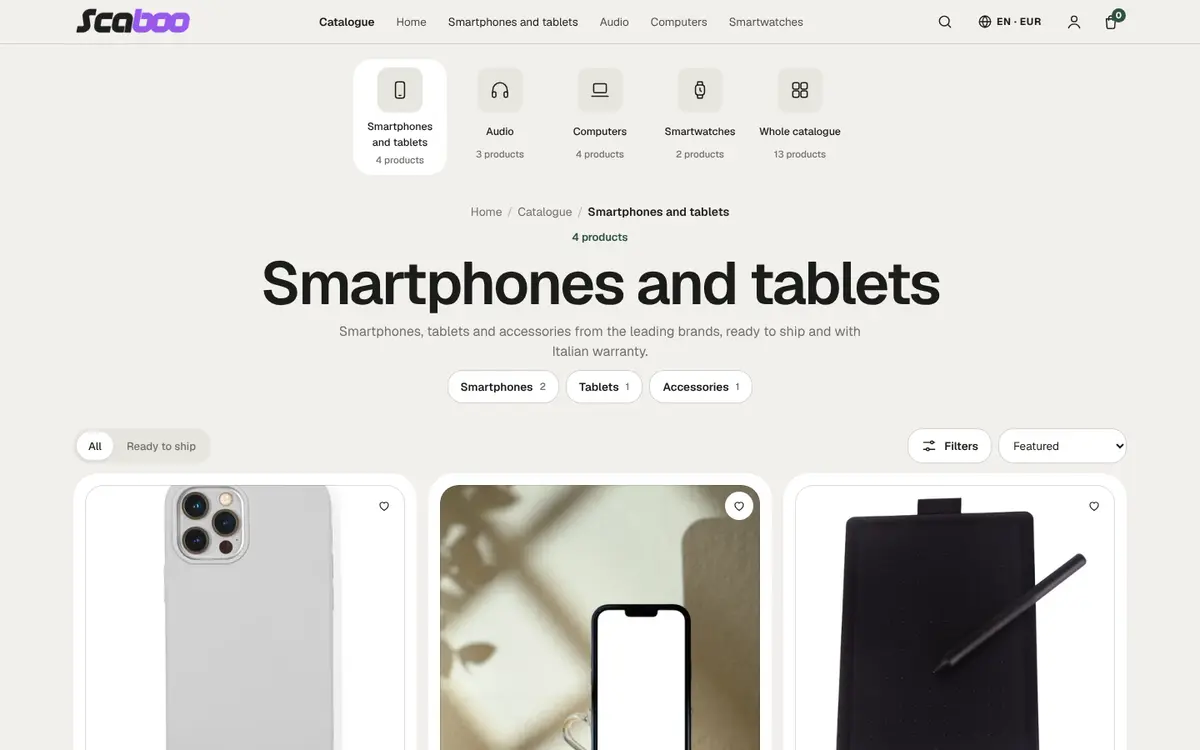
Categories stay at the top
The category icons follow the customer into the catalogue too. The title is centred, filters open from a button and leave the page clear.
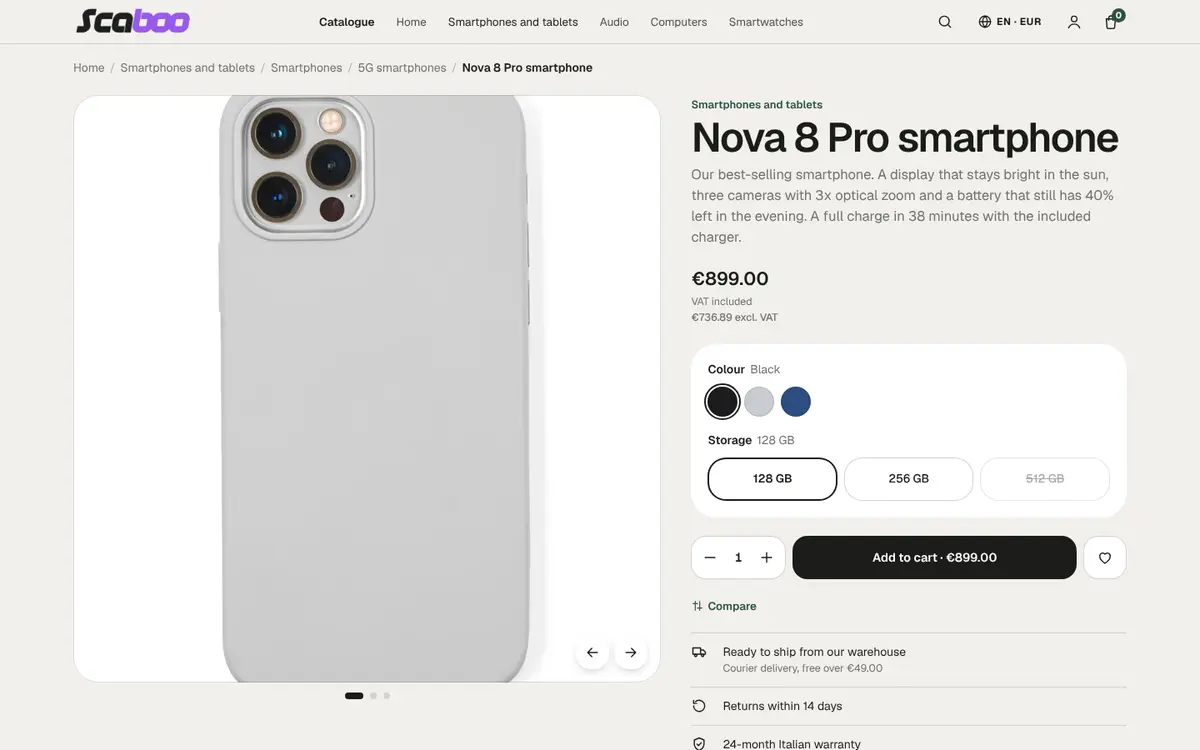
Variants in a single box
Colour and memory are gathered in one white box with wide buttons that are easy to tap. The photo is browsed with arrows.
Menu, cart and checkout
They work the same way in all 20 layouts: here you see them in this one's colours and typefaces.
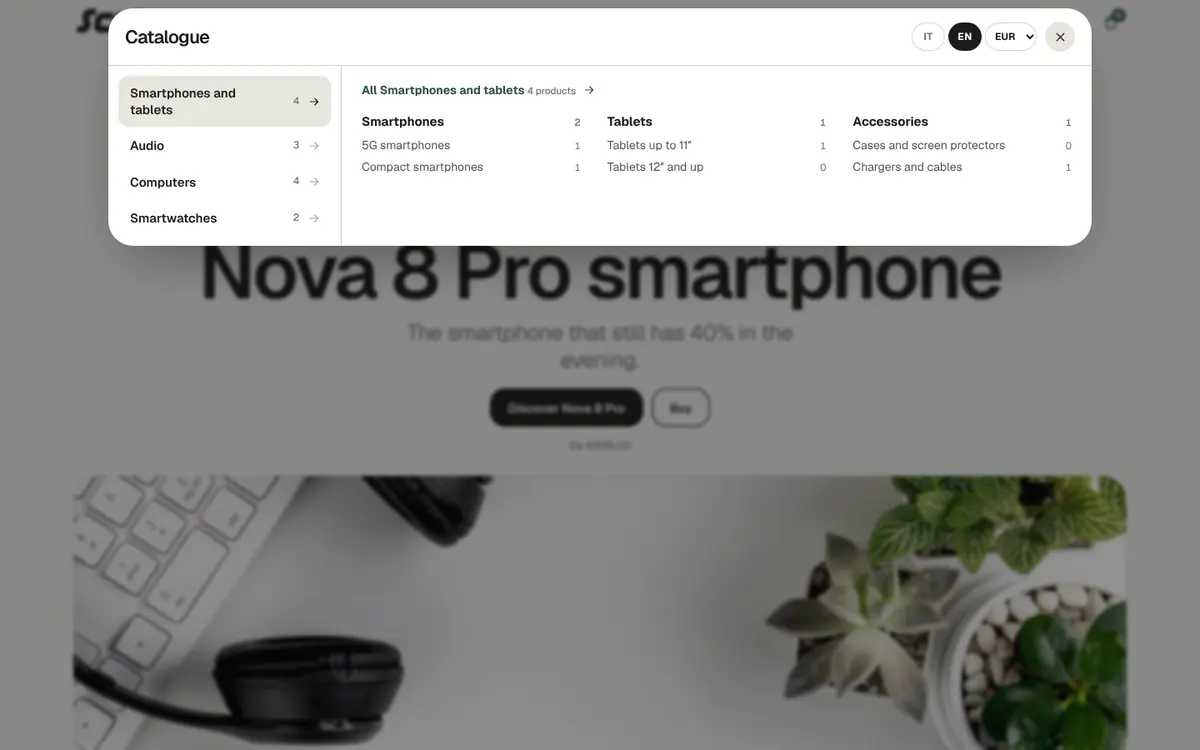 Catalogue menuA single panel with categories, subcategories and a third level, plus language and currency.
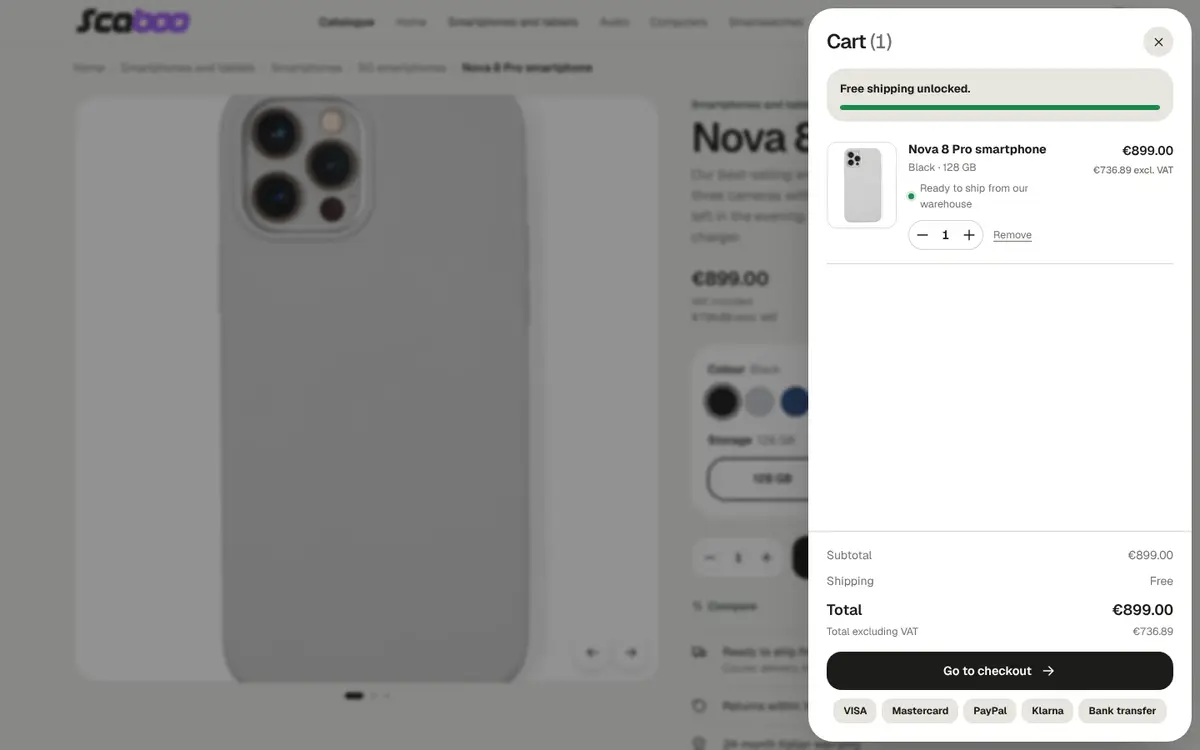 CartIt opens from the side over the page: products, total and how much is left to reach free shipping.
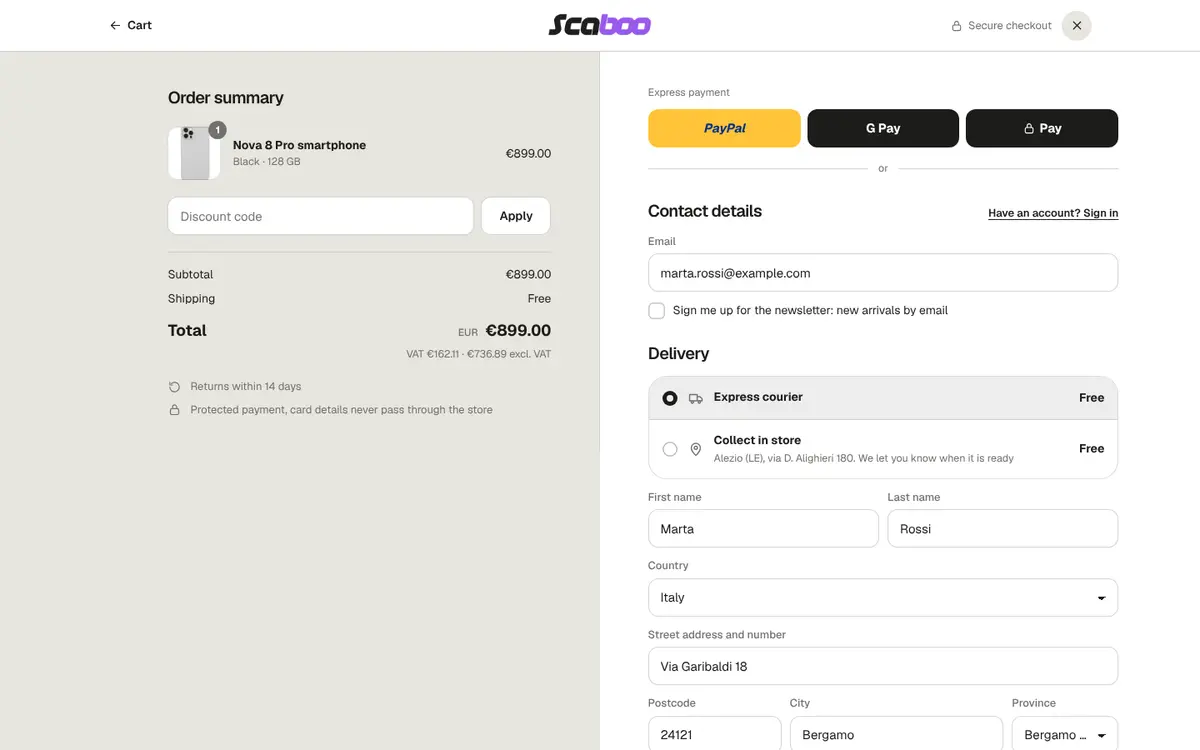 CheckoutA page of its own, with no menu: order summary on the left, express payment and details on the right.
Screenshots are not enough: try it
The demo is a complete store with sample products: browse the catalogue, fill the cart and go all the way to checkout with the Showcase layout.
Want to see it in action?
We show you Scaboo at work and what it can do for your sales.