Blocks layout
Thick borders, solid shadows, coloured tags. It is number 17 of the 20 Scaboo store layouts.
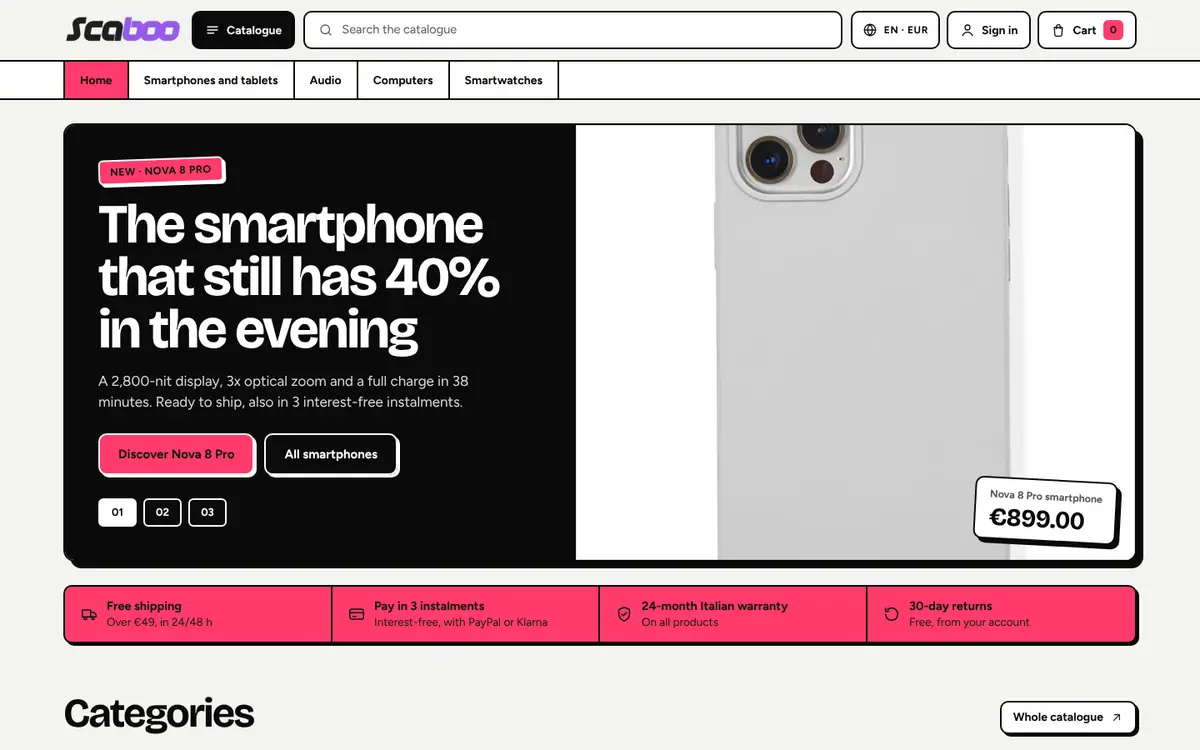
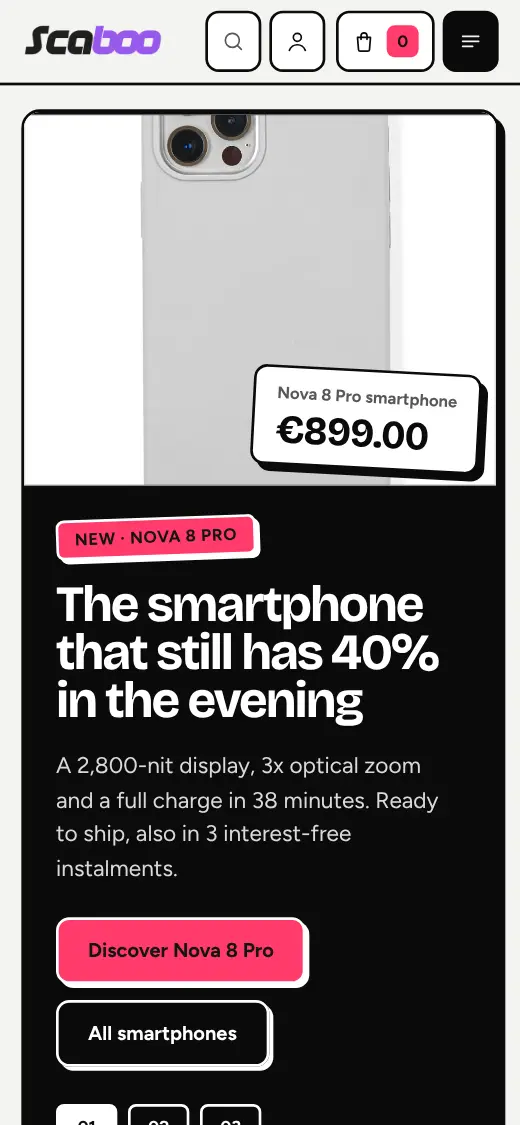
Thick black borders, solid shadows with no blur and bright pink tags. Every element is a distinct block: the boxed menu, the home tiles, the band with shipping and warranty.
For young brands that want to be remembered: streetwear, stickers and prints, games, creative products.
The details that set it apart
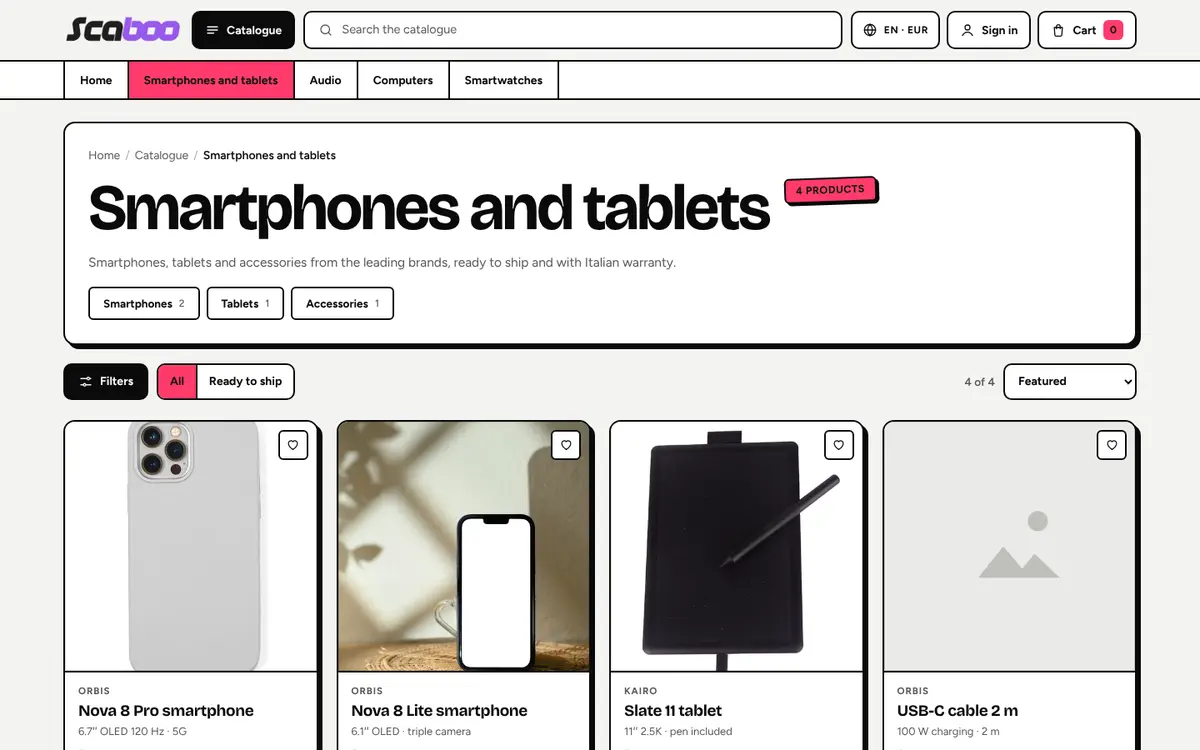
Bordered cards, like trading cards
Products are framed one by one, with the name in a box under the photo. Filters and sorting are square buttons.
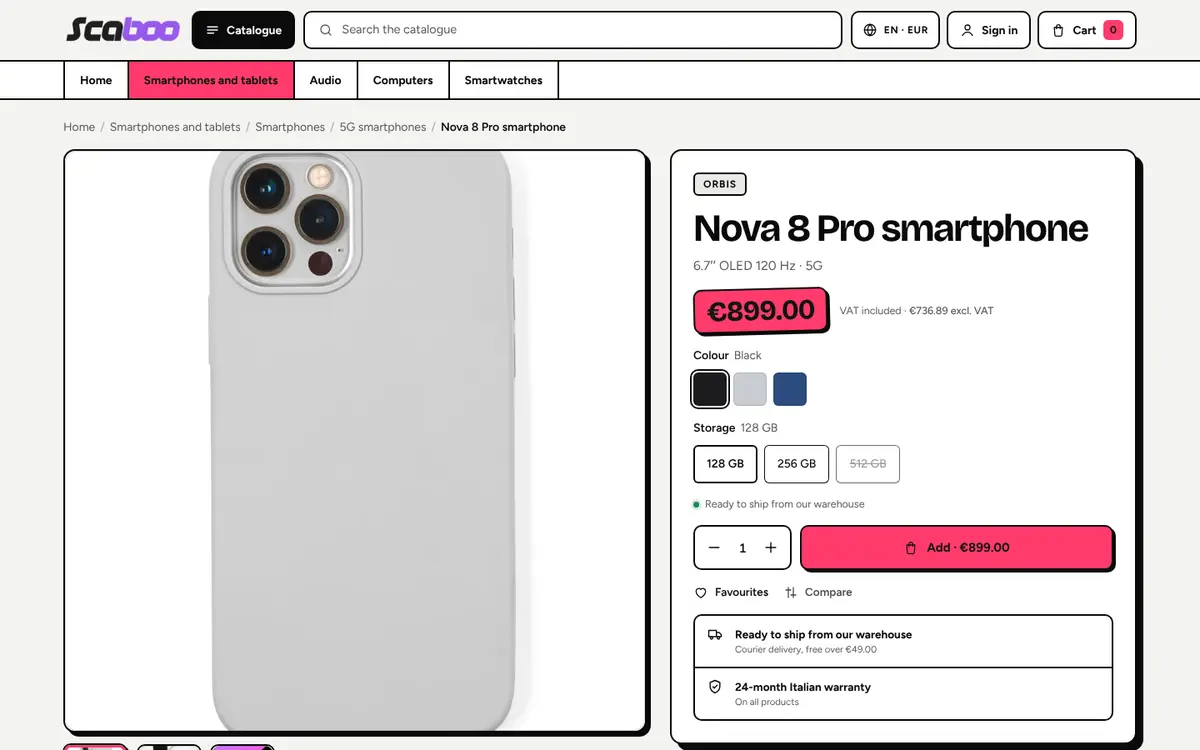
The price on a pink tag
A large name, the price inside a coloured tag and a buy button with a solid shadow that seems to stick out of the page.
Menu, cart and checkout
They work the same way in all 20 layouts: here you see them in this one's colours and typefaces.
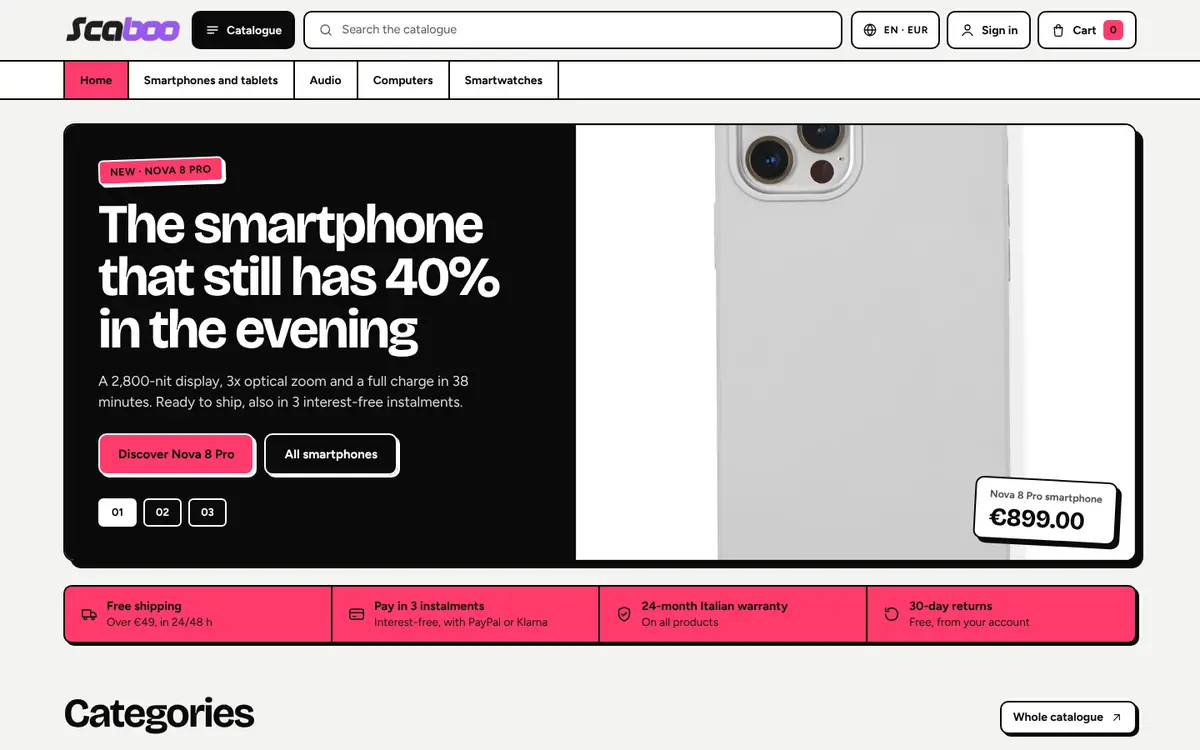 Catalogue menuA single panel with categories, subcategories and a third level, plus language and currency.
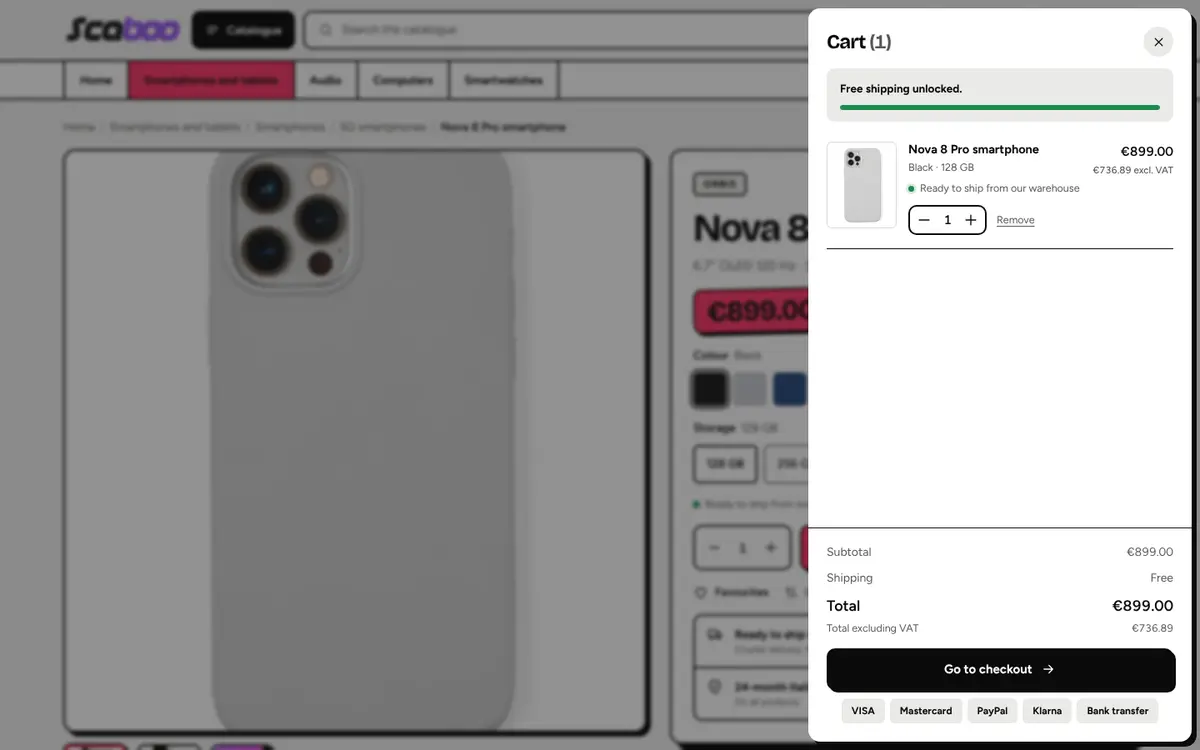 CartIt opens from the side over the page: products, total and how much is left to reach free shipping.
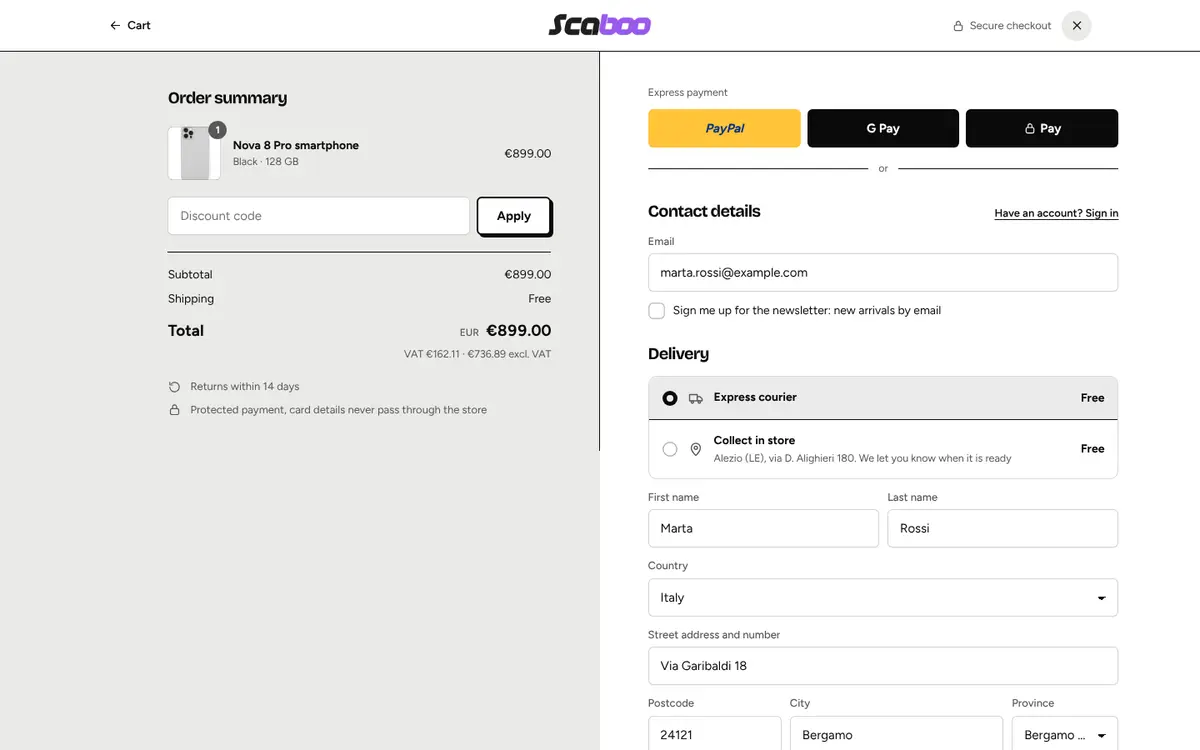 CheckoutA page of its own, with no menu: order summary on the left, express payment and details on the right.
Screenshots are not enough: try it
The demo is a complete store with sample products: browse the catalogue, fill the cart and go all the way to checkout with the Blocks layout.
Want to see it in action?
We show you Scaboo at work and what it can do for your sales.