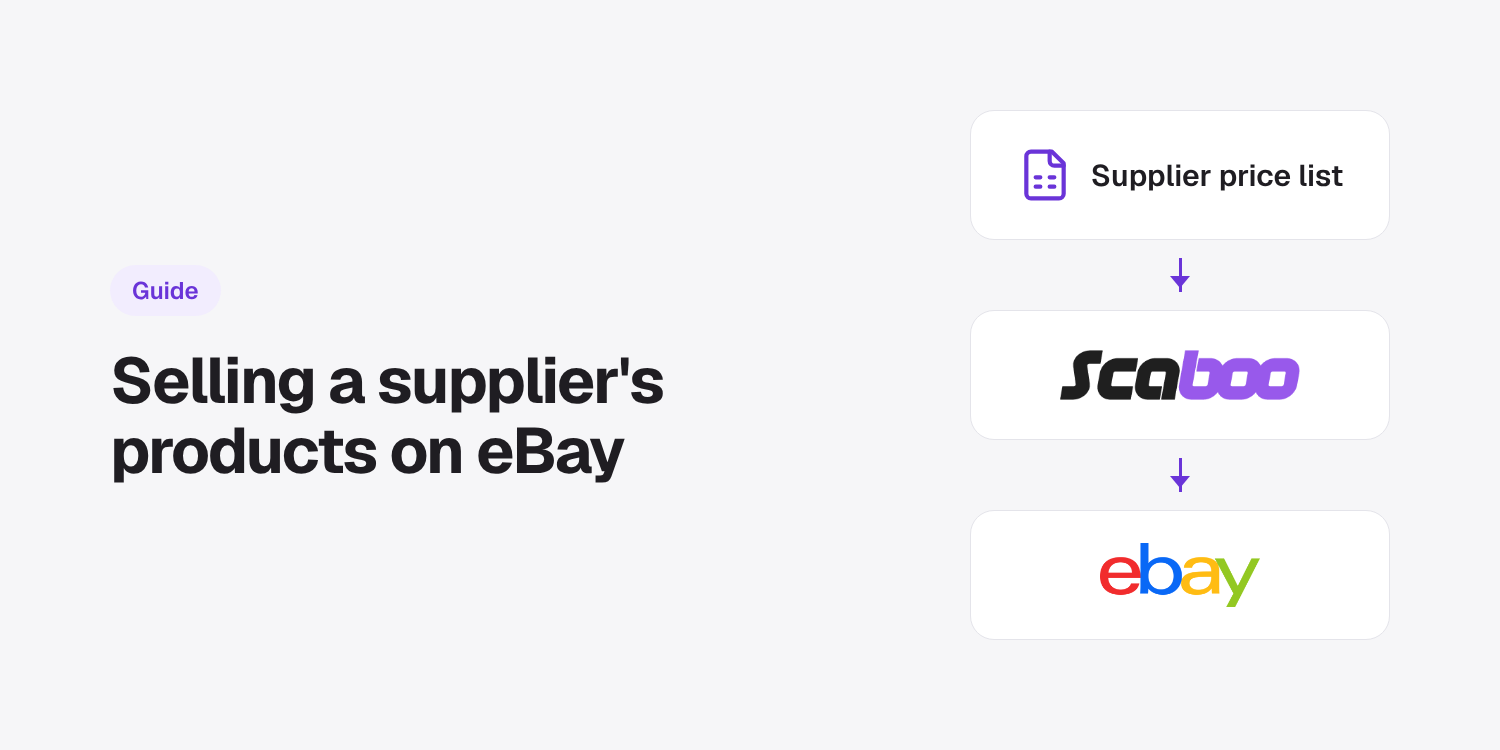
Many sellers start like this: a supplier who sends a price list as a CSV or Excel file, a few hundred (or a few thousand) products, and the wish to sell them on eBay. The problem shows up straight away: creating listings one by one takes days, and as soon as the supplier changes a price or runs out of an item, the listings are no longer right.
In this guide we look at how to bring a supplier's price list to eBay in an orderly way, what listings really need in order to sell, and how to avoid the most expensive problem: selling a product the supplier no longer has.
1. Start from a clean price list
Every supplier sends the price list in its own way: a file to download, a web address that updates every day, an FTP server. Whatever the format, eBay needs at least this information for each product:
- supplier code and, when available, EAN: eBay uses it to recognise the item in many categories;
- title and description;
- brand and model;
- purchase price and available quantity;
- at least one image, ideally on a light background.
Missing descriptions or images are not a disaster: they can be completed later, also with artificial intelligence. But code, price and quantity must always be there, because they are what changes most often.
2. Set the selling price with rules
The purchase price is not the selling price. On eBay you have to cover the final value fee, shipping and of course your margin. Typing the price of each product by hand does not hold up: one change in the price list and you have to start again.
It is better to set rules: for example "purchase price plus 25%, plus 5 euro, rounded to .90". Rules can differ by category or price range, and they keep working when the supplier changes its prices.
3. Choose what to publish
Not the whole price list belongs on eBay. It is worth leaving out:
- products with few units available, which you risk selling when they are already gone;
- products whose margin is too low after fees;
- categories where eBay asks for requirements the product does not meet (certifications, brand authorisations).
With filters (brand, category, price, quantity) you choose once, and the selection updates itself when the price list changes.
4. Fill in listings the way eBay wants them
On eBay every product sits in a category and has its item specifics: brand, model, colour, size, compatibility. Buyers rely heavily on search filters, and a listing with complete item specifics appears in many more searches.
- Title: brand, model and main feature, without filler words such as "WOW" or "OFFER".
- Item specifics: fill in all the ones eBay asks for in the category.
- Photos: light background, no text or logos on top.
- Shipping, payment and returns: set once in your eBay account, they apply to every listing.
5. Keep prices and stock always aligned
This is where most money is lost. If the supplier runs out of an item and your listing stays active, sooner or later someone buys it: you have to cancel the order, the buyer is unhappy and eBay records a defect on your account.
The answer is to read the price list often (even every hour) and update listing quantities and prices right away. A small safety stock helps: for example, if the supplier has fewer than 3 pieces, the listing goes to zero.
6. Handle orders without doing the work twice
When a sale comes in you need three things: pass the order to the supplier (or ship from your own warehouse), create the shipment with the courier and issue the invoice. If you do it by copying data from eBay by hand, ten orders a day take an hour.
It is better to have eBay orders in one list together with those from your other channels, with the customer's details already ready for shipping and invoicing.
How Scaboo does it
With Scaboo all these steps become an automatic flow:
- it takes the supplier's price list from a CSV file, FTP or web address and reads it again by itself;
- it completes descriptions, categories and translations with artificial intelligence and calculates prices with your rules;
- it publishes the chosen products as fixed-price listings on eBay, with the item specifics eBay asks for, and keeps quantities and prices aligned with the price list;
- it brings orders into the single list, from which shipments and invoices start.
The same catalogue can also go to your online store and to price comparison sites, without redoing the work. You will find the plans in the pricing section, or write to us for a demo.